Best AI Productivity Tools for Work and Everyday Tasks
The best AI productivity tools can help you write faster, organize tasks, summarize information, automate repetitive work, and make better use of your time. However, you don’t need a dozen AI subscriptions to become more productive. The right tool is the one that solves a specific problem in your daily workflow.
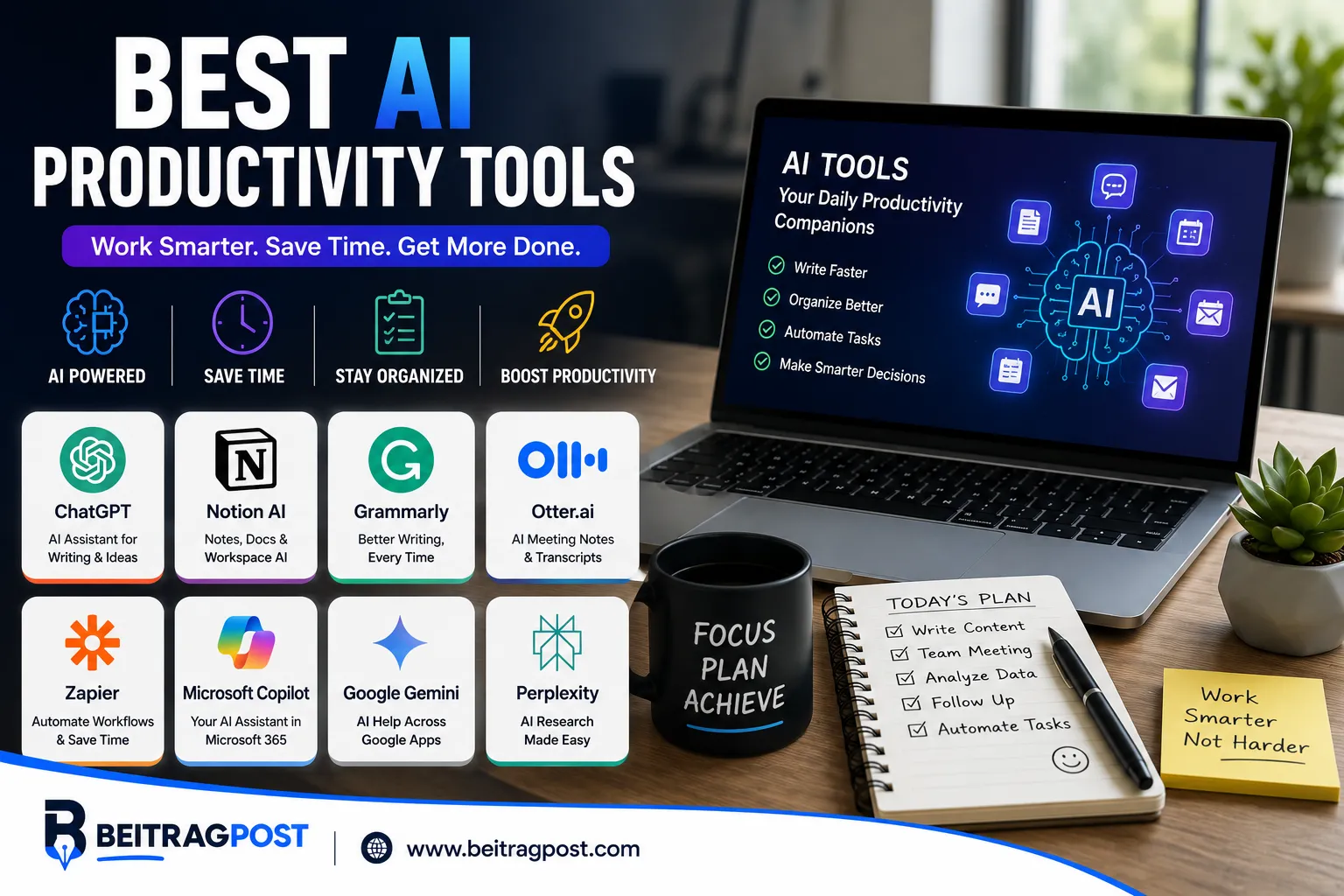
If you mainly need an AI assistant, ChatGPT is the most versatile choice. For workspace organization, Notion AI is a strong option. Grammarly is better for writing, Otter.ai for meetings, Zapier for automation, and Perplexity for research. Google and Microsoft users can also benefit from Gemini and Copilot because they fit directly into their existing ecosystems.
Which AI Productivity Tool Should You Pick?
Your choice becomes much easier when you start with the task you want to improve.
| Your Main Problem | Best Starting Point | Why |
|---|---|---|
| Writing and brainstorming | ChatGPT | Flexible help with content and ideas |
| Notes and organization | Notion AI | AI built into a workspace |
| Email and document work | Microsoft Copilot | Works within Microsoft tools |
| Google Workspace tasks | Gemini | Fits into Google’s ecosystem |
| Writing quality | Grammarly | Editing and communication support |
| Meeting notes | Otter.ai | Transcription and summaries |
| Repetitive workflows | Zapier | Automates tasks between apps |
| Scheduling | Motion | Helps organize tasks around your calendar |
| Online research | Perplexity | Speeds up information discovery |
| Project management | ClickUp AI | AI features inside project workflows |
The important point is that one tool does not need to do everything. A small combination of well-chosen tools can be more useful than a large collection of overlapping AI apps.
Start With the Bottleneck, Not the Tool
Before choosing an AI productivity tool, identify where your time is actually going.
Are you spending an hour writing emails that could take 20 minutes?
Or Are meetings creating piles of notes that nobody reviews?
Are you constantly moving information between different applications?
Do you spend too long researching simple questions?
Or is your biggest problem simply deciding what to work on next?
These are different problems, so they need different solutions.
Someone who struggles with writing may get more value from Grammarly or ChatGPT. Someone losing hours to repetitive administrative work may benefit more from Zapier.
This approach also prevents a common mistake: subscribing to an AI tool because it looks impressive rather than because you actually need it.
For Writing, Start With ChatGPT or Grammarly
Writing is one of the easiest areas where AI can save time.
ChatGPT is useful when you need help creating something from scratch. It can brainstorm ideas, create outlines, rewrite drafts, summarize information, and help organize complicated thoughts.
Grammarly takes a different approach. It focuses more heavily on improving writing that already exists.
That makes the two tools useful for different stages of the writing process.
You might use ChatGPT to develop an initial structure, then use Grammarly to refine clarity, grammar, and tone.
When ChatGPT Makes More Sense
Choose ChatGPT when you need help with:
- Brainstorming
- Outlines
- Drafting
- Summaries
- Rewriting
- Ideas
- Research assistance
When Grammarly Makes More Sense
Choose Grammarly when your main concern is:
- Grammar
- Clarity
- Tone
- Sentence structure
- Professional communication
- Proofreading
The best choice depends on whether you need content creation or writing refinement.
For Organization, Look at Notion AI
Productivity often breaks down because information ends up scattered across different places.
Notes sit in one application.
Tasks live somewhere else.
Meeting information is buried in email.
Project details are stored in documents.
Notion AI can be useful for people who want to bring much of this information into one workspace.
Its advantage isn’t simply that it has AI features. The bigger benefit is that AI works alongside notes, documents, databases, and projects.
That can make information easier to summarize and work with.
A Simple Notion AI Workflow
You could use a workspace to store:
Meeting notes → project information → tasks → research → documentation
AI can then help summarize or transform that information when needed.
This makes Notion AI more appealing to people who already prefer an all-in-one workspace.
For Google Users, Gemini Fits Naturally
If most of your work happens in Google’s ecosystem, Gemini deserves consideration.
The advantage comes from integration.
Instead of constantly moving information between unrelated applications, AI assistance can fit into workflows involving Google’s productivity tools.
This can be particularly useful for people who already spend their day working with documents, email, calendars, and cloud files.
However, switching ecosystems simply to use an AI feature usually isn’t necessary.
If your existing workflow already works well, integration is more valuable than having the newest AI assistant.
Microsoft Users Have a Similar Advantage With Copilot
Microsoft Copilot follows a similar principle.
Its biggest appeal is for people who already depend heavily on Microsoft products for work.
AI assistance becomes more useful when it appears inside the applications where you already create documents, manage communication, and handle business tasks.
That can reduce the friction of moving information between separate AI services.
For businesses already using Microsoft 365, this ecosystem advantage can be more important than comparing standalone chatbot features.
Meetings Are a Different Productivity Problem
Meetings create a unique challenge.
You don’t just need to attend the conversation.
You may also need to:
- Remember decisions
- Record important points
- Identify action items
- Share notes
- Follow up later
Otter.ai is designed around this problem.
Its transcription and AI-assisted meeting features can reduce the amount of manual note-taking required.
The biggest benefit is not simply having a transcript.
It’s being able to turn a conversation into information you can actually use later.
When Meeting AI Is Worth It
It makes more sense when you regularly attend:
- Team meetings
- Client calls
- Interviews
- Research discussions
- Sales calls
- Online conferences
If you only attend one short meeting each week, the benefit may be much smaller.
For Research, Perplexity Can Reduce the First Step
Research can consume a surprising amount of time.
You search for something.
Open several pages.
Compare information.
Search again.
Then try to understand which sources are actually useful.
Perplexity can help speed up the initial discovery process by combining search with AI-generated responses and source references.
That doesn’t mean you should blindly trust every answer.
For important research, the original sources still matter.
Think of AI research tools as a starting point, not a replacement for verification.
For Automation, Zapier Solves a Different Problem
Most AI tools help you perform a task.
Automation tools can help you stop performing the task manually.
That distinction matters.
Imagine that every time a customer fills out a form, you manually:
- Copy their information.
- Add it to a spreadsheet.
- Create a task.
- Send a notification.
- Update another application.
If the workflow is repetitive, automation can connect these steps.
Zapier is useful for this type of work because it connects different applications and triggers actions based on events.
The productivity gain becomes much more significant when the same process happens dozens of times.
Scheduling Requires a Different Kind of AI
Some people don’t struggle with creating task lists.
They struggle with deciding when to complete the tasks.
This is where tools such as Motion can be useful.
Instead of simply showing a list of unfinished work, AI-assisted scheduling can help organize tasks around available time and changing priorities.
This approach can be valuable for freelancers, managers, entrepreneurs, and anyone balancing multiple deadlines.
The benefit comes from reducing the mental effort required to constantly rearrange your day.
Project Management Gets More Useful With AI
Teams often have a different problem from individual users.
They need to manage:
- Tasks
- Deadlines
- Documents
- Team communication
- Project updates
- Responsibilities
ClickUp AI can add AI functionality to that project-management environment.
For an existing ClickUp user, this can be more convenient than introducing another standalone AI application.
The key question is therefore not whether ClickUp has impressive AI features.
Ask whether your team already uses ClickUp.
If it does, the integration may provide real productivity value.
Don’t Build an AI Productivity Stack That Creates More Work
There is a point where productivity tools become counterproductive.
You might end up with:
- One app for notes
- Another for tasks
- Another for AI writing
- Another for research
- Another for meetings
- Another for automation
- Another calendar assistant
Now you have seven dashboards to maintain.
That isn’t necessarily productivity.
It’s software management.
A better system starts small.
A Simple Three-Tool Setup
For many people, a basic setup could look like this:
General AI assistant: ChatGPT
Workspace or task manager: Notion, ClickUp, or another system you already use
Specialized tool: Grammarly, Otter.ai, Zapier, or Perplexity depending on your biggest bottleneck
That’s enough for many workflows.
If you’re exploring AI tools more broadly, 10 Best AI Tools for Beginners is a useful next step for finding beginner-friendly options beyond productivity-focused software.
AI Productivity Tools vs. Traditional Productivity Apps
AI doesn’t automatically replace normal productivity software.
In many cases, the two work better together.
A task manager keeps your responsibilities organized.
AI can help break a large task into smaller steps.
A note-taking app stores information.
AI can summarize or reorganize that information.
A calendar shows your commitments.
AI scheduling tools can help decide where certain tasks should fit.
If you want to explore productivity software beyond AI, Best Productivity Apps covers tools designed for broader task management, organization, notes, and planning.
How to Know Whether an AI Tool Is Actually Saving Time
Don’t judge productivity software by how impressive the demo looks.
Measure the result.
For example, suppose writing a weekly report takes two hours.
After introducing an AI workflow, it takes 75 minutes.
That’s a measurable improvement.
Now compare that with an AI tool that you spend 20 minutes configuring every morning but barely use.
The second tool may look more advanced, but it isn’t improving your productivity.
A simple test is:
Does this tool save time, reduce effort, or improve the quality of my work?
If the answer is no, there is little reason to keep using it.
Mistakes to Avoid With AI Productivity Tools
Buying Too Many Subscriptions
Start with free plans or trials when possible.
Upgrade only when the tool solves a problem often enough to justify the cost.
Using AI for Everything
AI is useful, but not every task needs automation.
Sometimes completing a simple task yourself is faster than explaining it to an AI system.
Forgetting to Verify Information
AI can produce incorrect information with confidence.
Always review important outputs.
Sharing Sensitive Information
Think carefully before entering confidential business information, private customer data, passwords, or other sensitive material into an AI service.
Choosing Features Over Workflow
A tool can have dozens of features that you never use.
Choose based on your actual workflow instead.
A Better Way to Build Your AI Workflow
Instead of asking, “Which AI tools should I use?”, ask:
“Which part of my workflow wastes the most time?”
Then solve that problem first.
If writing is slow, improve writing.
If meetings are messy, improve meeting documentation.
And If research takes too long, improve research.
If repetitive tasks dominate your day, automate them.
If scheduling causes stress, improve scheduling.
This approach keeps your productivity system simple and makes it easier to measure whether AI is actually helping.
Frequently Asked Questions
What is the best AI productivity tool?
ChatGPT is one of the strongest general-purpose choices because it can support writing, brainstorming, research, planning, and many everyday tasks. Specialized tools can be better for specific workflows.
Are AI productivity tools worth it?
They can be worthwhile when they consistently save time or improve your work. The value depends on how often you use the tool and what problem it solves.
What is the best AI tool for writing?
ChatGPT is useful for creating and restructuring content, while Grammarly is particularly useful for editing, clarity, grammar, and tone.
What is the best AI tool for meetings?
Otter.ai is a useful choice for transcription and meeting summaries. The right option also depends on your meeting platform and workflow.
Can AI productivity tools replace task managers?
Not necessarily. AI can improve task planning and organization, but traditional task managers still provide useful structure for tracking responsibilities and deadlines.
How many AI productivity tools do I need?
Most people can start with one general AI assistant and one or two specialized tools. Add more only when they solve a genuine workflow problem.
Final Takeaway
The best AI productivity tools are the ones that remove friction from work you already do.
ChatGPT is the most flexible starting point for many users. Notion AI can strengthen an existing knowledge-management workflow, while Gemini and Copilot make sense for people already committed to their respective ecosystems.
For specific problems, Grammarly can improve writing, Otter.ai can reduce meeting-note work, Perplexity can speed up research, Zapier can automate repetitive processes, and Motion can help with scheduling.
You don’t need all of them.
Start with your biggest productivity bottleneck, choose one tool, measure the result, and expand only when there is a clear reason to do so.