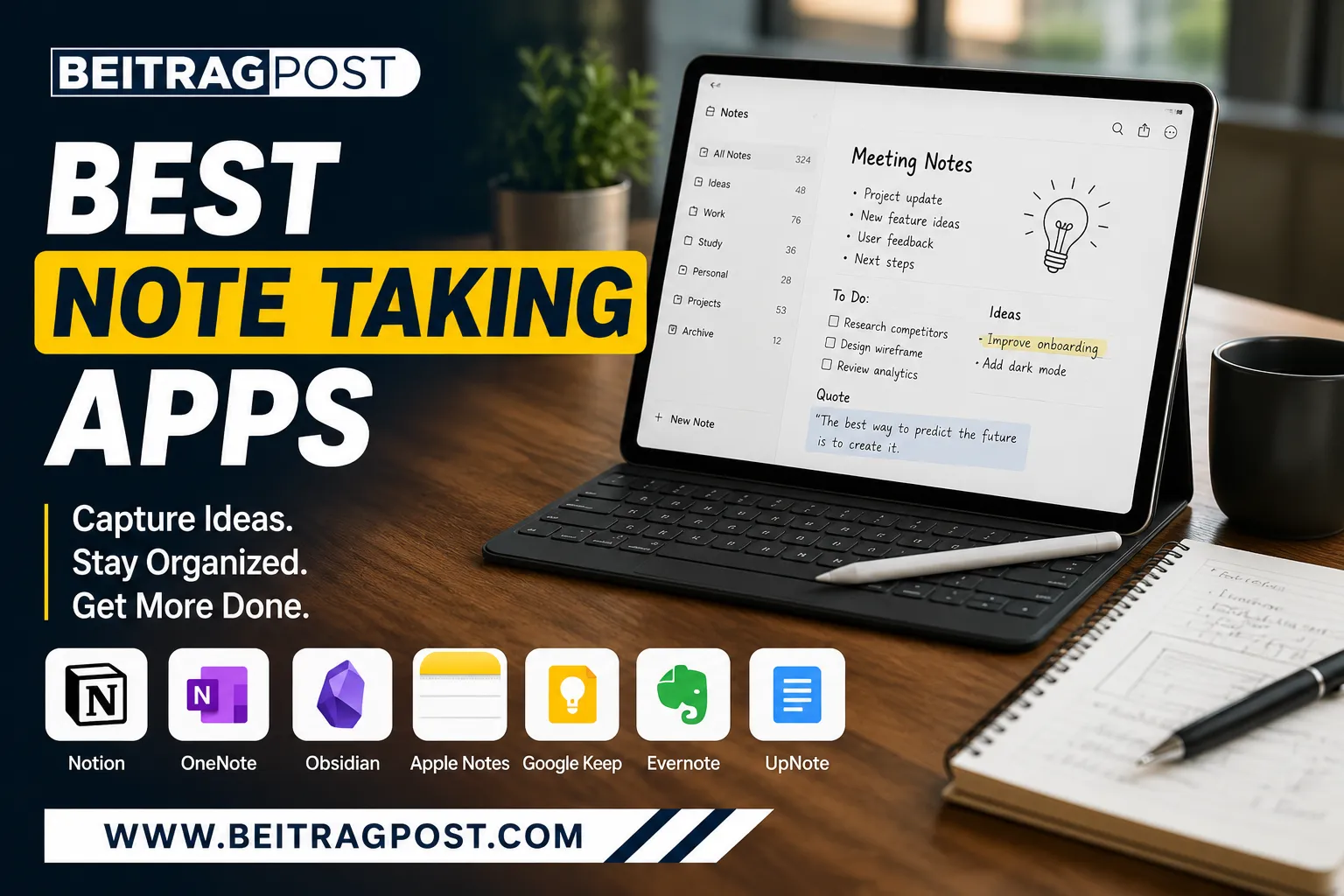
Best Note Taking Apps: Find the Right One for Your Workflow
The best note taking apps don’t just store information—they help you think, organize ideas, and stay productive. Whether you’re taking lecture notes, planning projects, writing articles, or managing work tasks, the right app can save hours every week. The challenge is that today’s most popular apps solve different problems. Some are built for simple note-taking, while others are designed to become your second brain.
Instead of ranking apps based only on popularity, we’ve focused on how they perform in real-world situations. We looked at ease of use, organization, search, syncing, collaboration, pricing, and long-term value to help you choose the app that actually fits your workflow.
Our Top Picks
If you don’t want to read the full comparison, these are our standout recommendations.
| Need | Recommended App |
|---|---|
| Best overall | Notion |
| Best for students | Microsoft OneNote |
| Best for writers | Obsidian |
| Best for Apple users | Apple Notes |
| Best for quick notes | Google Keep |
| Best for privacy | Joplin |
| Best value premium app | UpNote |
For a broader look at tools that improve focus, planning, and organization, explore our guide to Best Productivity Apps, where we compare apps beyond note-taking.
How to Choose the Right Note-Taking App
Before downloading the first app you see, ask yourself one simple question:
How will you actually use it?
Someone managing university assignments has completely different needs from a software developer building a personal knowledge base. Likewise, a project manager collaborating with a team doesn’t need the same features as someone who only wants a place to save grocery lists and ideas.
The best note-taking app is the one that fits naturally into your daily routine—not necessarily the one with the longest feature list.
As you compare your options, think about:
- Do you need notes on every device?
- Will you work online, offline, or both?
- Are you writing long documents or quick reminders?
- Do you need collaboration with other people?
- How important are AI features and automation?
- Can you easily export your notes if you decide to switch apps later?
Answering these questions first will narrow your choices much faster than comparing dozens of technical specifications.
Best Overall Note-Taking App: Notion
There are plenty of apps that help you write notes. Very few help you turn those notes into a complete workspace.
That’s exactly why Notion sits at the top of this list.
A simple meeting note can become a task list. A project plan can grow into a shared company wiki. Personal reading notes can evolve into a searchable knowledge base. Instead of juggling multiple apps, Notion brings everything together in one place.
What really makes it stand out isn’t the number of features—it’s how flexible those features are. You can start with a blank page, use one of hundreds of templates, or build your own workflow from scratch.
You’ll Love Notion If…
- You manage multiple projects.
- You enjoy customizing your workspace.
- You want notes, tasks, and databases together.
- You work across different devices.
Think Twice If…
If all you need is a place to write quick notes, Notion may feel more powerful than necessary. New users often need a little time to understand how pages, databases, and blocks work together.
If you’re deciding between the three biggest names in personal knowledge management, our detailed comparison of Notion vs Obsidian vs Evernote explains where each one excels and which type of user will benefit the most.
Best Note-Taking App for Students: Microsoft OneNote
If someone asked me to recommend one free app for most students, OneNote would almost always be near the top of the list.
Its notebook structure feels familiar because it mirrors the way many students already organize physical notebooks. You can create separate notebooks for each subject, divide them into sections, and keep everything neatly arranged without much effort.
OneNote also works exceptionally well if you’re already using Microsoft Word, Excel, Outlook, or Teams. Notes, assignments, and class materials stay connected within the same ecosystem.
Another advantage is handwriting support. If you use a tablet and stylus, writing equations, sketching diagrams, or annotating lecture slides feels surprisingly natural.
Unlike some newer productivity tools, OneNote doesn’t try to reinvent note-taking. It focuses on helping you capture information quickly and organize it logically.
Best Note-Taking App for Writers: Obsidian
Some people collect notes.
Others build a network of ideas.
If you fall into the second group, Obsidian deserves your attention.
Unlike traditional note-taking apps that organize everything into folders, Obsidian encourages you to connect related notes using internal links. Over time, those connections become a personal knowledge base that’s easy to navigate and expand.
This approach is especially useful if you’re researching complex topics, writing books, creating long-form content, or documenting technical information. Instead of searching through dozens of folders, you can jump from one related idea to another in seconds.
The graph view is another standout feature. It visually maps the relationships between your notes, helping you discover connections you might otherwise overlook.
That said, Obsidian isn’t designed for everyone. If you simply need to save shopping lists or meeting notes, its powerful linking system may be more than you need.
Best suited for: Writers, researchers, developers, and anyone building a long-term knowledge library.
Best for Apple Users: Apple Notes
Apple Notes rarely gets the same attention as Notion or Evernote, yet it’s one of the most polished note-taking apps available provided you live inside the Apple ecosystem.
Because it’s built directly into macOS, iPhone, and iPad, there’s no setup process. Open the app, start writing, and your notes automatically sync across your devices.
Over the years, Apple has quietly added features that many people associate with third-party apps, including:
- Smart folders
- Tags
- Checklists
- Tables
- Document scanning
- Password-protected notes
- Handwritten notes with Apple Pencil
The biggest advantage is speed. Apple Notes launches instantly and feels lightweight even when managing hundreds of notes.
The downside is obvious: if you regularly switch between Windows and Android devices, you’ll quickly run into limitations.
Best for Capturing Ideas Quickly: Google Keep
Not every note needs categories, databases, or complicated formatting.
Sometimes you just want to save an idea before it disappears.
That’s exactly where Google Keep shines.
Its colorful card layout makes it incredibly fast to create notes, voice memos, checklists, and reminders. Since everything syncs through your Google account, your notes are always available whether you’re using your phone or computer.
Google Keep also integrates naturally with Google Docs. If a rough idea turns into something larger, you can move it into a document with just a few clicks.
For quick reminders, grocery lists, travel checklists, or random ideas throughout the day, few apps are as effortless.
However, if you’re planning to build a large archive of research or detailed project documentation, you’ll probably outgrow it.
Best Choice for Privacy: Joplin
Cloud storage is convenient, but not everyone wants their personal notes stored on someone else’s servers.
Joplin takes a different approach.
It’s open source, supports end-to-end encryption, and gives you complete control over where your data is stored. You can sync notes using Dropbox, OneDrive, WebDAV, or even your own server.
That’s one reason developers and privacy-conscious users often recommend it.
Joplin also supports Markdown, making it particularly attractive if you write documentation, technical guides, or developer notes.
The interface isn’t as polished as some commercial competitors, but it prioritizes functionality over visual design and for many users, that’s a worthwhile trade-off.
Best Premium Value: UpNote
Many premium note-taking apps now rely on expensive monthly subscriptions.
UpNote goes in a different direction.
It delivers a clean interface, reliable syncing, notebooks, focus mode, rich text editing, and offline access without asking users to commit to high recurring costs.
That combination has helped it build a loyal following among people who want premium features without paying enterprise-level prices.
If you want something more powerful than Simplenote but less overwhelming than Notion, UpNote fits comfortably in the middle.
It may not have the brand recognition of larger competitors, but it’s one of those apps that quietly surprises people after a few weeks of everyday use.
Before You Choose, Think About Your Workflow
One mistake many people make is comparing features instead of habits.
For example:
- If your day revolves around meetings, OneNote or Notion will probably serve you better than Google Keep.
- If you’re writing research papers, Obsidian’s linking system offers clear advantages over simpler apps.
- If you already own a Mac, iPhone, and iPad, Apple Notes provides an experience that’s hard to beat without spending anything.
- If privacy is your biggest concern, Joplin is one of the strongest choices available.
The goal isn’t to find the app with the longest feature list. It’s to find the one you’ll actually enjoy opening every day.
Features That Actually Matter (and the Ones That Don’t)
Most note-taking apps advertise dozens of features, but in day-to-day use, only a handful truly make a difference. Instead of chasing the app with the longest list of tools, focus on the features you’ll rely on every week.
Search That Saves Time
Your first 20 notes are easy to manage. Your first 2,000 are not.
A powerful search function becomes essential as your library grows. Apps like Evernote and OneNote excel at helping you find information quickly, while Notion makes it easy to search across pages, databases, and documents.
Reliable Sync Across Devices
Your notes should be available wherever you are—not trapped on one laptop or phone.
Whether you switch between Windows, macOS, Android, or iPhone, seamless syncing makes a noticeable difference to your workflow.
Offline Access
Not every meeting, flight, or classroom has a reliable internet connection.
Being able to read and edit notes offline is a feature many people don’t appreciate until they suddenly need it.
Easy Organization
Everyone organizes information differently.
Some people prefer folders, while others rely on tags or linked notes. The best app is the one whose organization system feels natural to you rather than forcing you to change your habits.
Export Options
This feature is often ignored until it’s too late.
If you ever decide to move to another app, exporting your notes should be straightforward. Choosing software that locks your data into its own ecosystem can make switching difficult later.
Quick Comparison: Which App Wins?
Rather than declaring one app the winner in every category, here’s how they compare in real-world use.
| Category | Winner |
|---|---|
| Best Overall | Notion |
| Best Free Option | Microsoft OneNote |
| Best for Writers | Obsidian |
| Best for Apple Users | Apple Notes |
| Best for Quick Notes | Google Keep |
| Best for Privacy | Joplin |
| Best Value Premium | UpNote |
| Best for Large Note Collections | Evernote |
| Best for Teams | Notion |
As you can see, there isn’t a single app that’s perfect for everyone. Each one excels in a different area, so the right choice depends on how you work.
So, Which One Would We Pick?
If we could recommend only three apps to most people, they’d be these:
Notion
The most versatile choice for students, professionals, freelancers, and businesses. It combines note-taking, project management, databases, and collaboration in one workspace.
Microsoft OneNote
A fantastic free option that works particularly well for students and anyone already using Microsoft 365.
Obsidian
The best choice for writers, researchers, developers, and people who want to build a long-term knowledge base instead of simply storing notes.
Those three cover the needs of the majority of users. The remaining apps on this list become stronger choices when you have specific priorities, such as privacy, Apple integration, or lightweight note-taking.
Final Thoughts
Finding the best note taking apps isn’t about downloading the most popular option—it’s about choosing software that complements the way you think and work.
If flexibility is your top priority, Notion is hard to beat. If you want a free solution that feels familiar from day one, Microsoft OneNote remains one of the strongest options available. Writers and researchers will appreciate the connected-note approach of Obsidian, while Apple Notes continues to be an excellent choice for anyone fully invested in the Apple ecosystem.
For quick reminders and everyday lists, Google Keep keeps things simple. If privacy matters most, Joplin deserves serious consideration, and users looking for premium features without a premium price should take a close look at UpNote.
The good news is that most of these apps offer free plans, so you can test a few before committing. Spend a week using each one for your actual work not just experimenting with features and you’ll quickly discover which app feels like the best fit for your workflow.