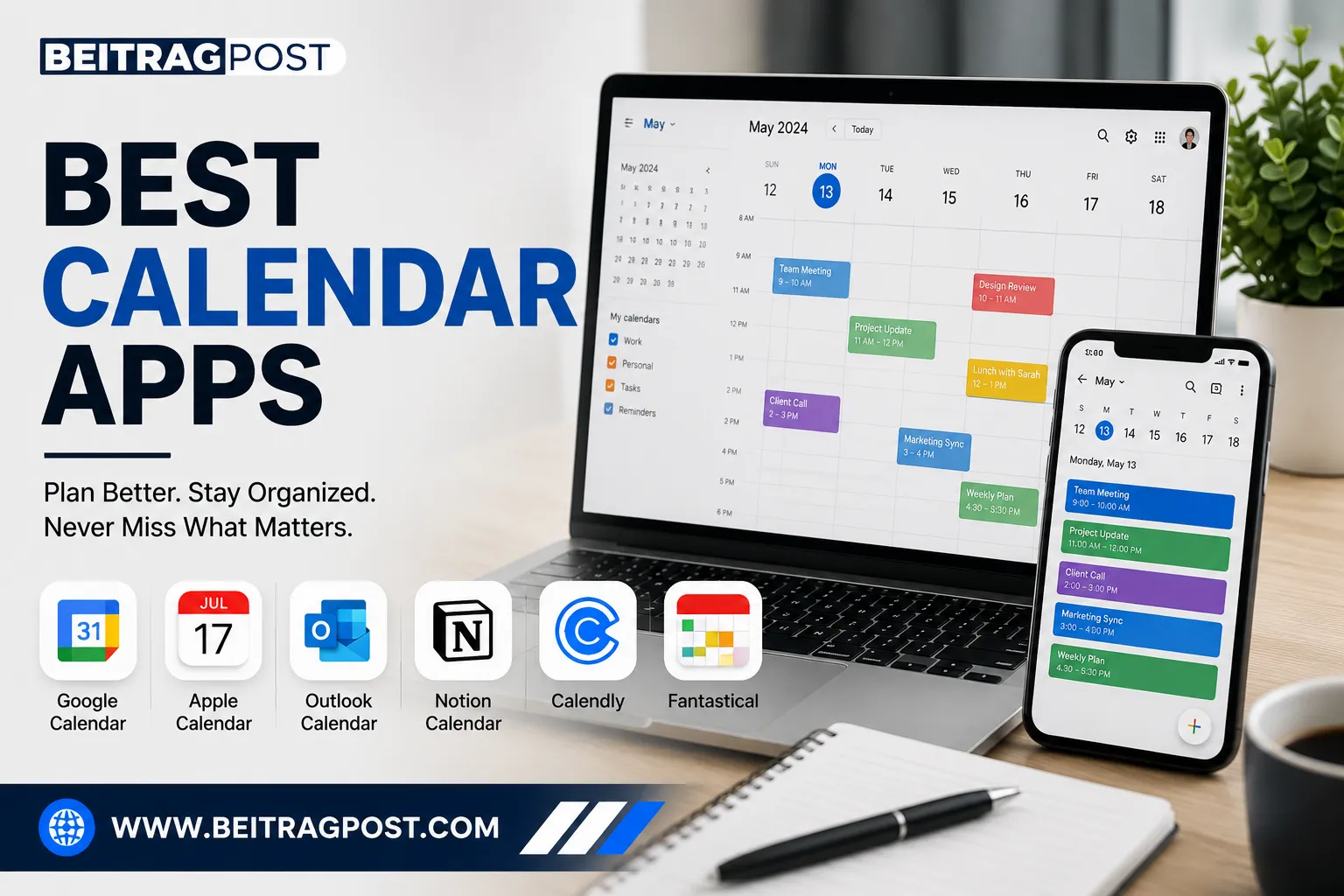
Best Calendar Apps That Actually Help You Stay Organized
Missing deadlines rarely happens because people are lazy.
It usually happens because everything is scattered across emails, sticky notes, messaging apps, and mental reminders.
The best calendar apps solve that problem by bringing your schedule, meetings, reminders, and personal plans into one place. The right app doesn’t just tell you what to do it helps you know when to do it without feeling overwhelmed.
Whether you’re managing work meetings, university classes, client appointments, family events, or personal goals, choosing the right calendar app can save hours every week and reduce unnecessary stress.
Instead of simply listing popular apps, this guide compares the best calendar apps based on ease of use, collaboration, integrations, pricing, platform support, and who each app is actually best suited for.
Quick Answer
If you’re short on time, these are the best calendar apps for different needs.
| Need | Best Calendar App | Free Plan | Best For |
|---|---|---|---|
| Overall | Google Calendar | ✅ | Most users |
| Apple Users | Apple Calendar | ✅ | iPhone, iPad & Mac |
| Microsoft Users | Outlook Calendar | ✅ | Office professionals |
| Team Collaboration | Notion Calendar | ✅ | Teams & creators |
| Scheduling Meetings | Calendly | ✅ | Freelancers & sales |
| Power Users | Fantastical | Limited | Professionals |
| Privacy | Proton Calendar | ✅ | Privacy-conscious users |
Editor’s Pick: For most people, Google Calendar remains the best overall choice because it’s free, reliable, works on every major platform, and integrates with hundreds of productivity tools.
Before Choosing a Calendar App, Think About How You Actually Work
Many comparison articles make the mistake of assuming everyone needs the same features.
They don’t.
The best calendar app for a freelancer may be completely different from the best option for a university student or someone managing a busy corporate schedule.
Before downloading anything, ask yourself these questions.
Do You Mostly Work Alone or With a Team?
If your calendar is mainly for personal reminders, appointments, and daily planning, a simple app like Google Calendar or Apple Calendar is often enough.
However, if you’re coordinating projects with colleagues, sharing schedules, or managing meetings across departments, you’ll benefit from a calendar that integrates with collaboration tools like Slack, Microsoft Teams, or Notion.
Do You Need Scheduling or Just Planning?
Some apps are designed to organize your own schedule.
Others help people book time with you.
If clients regularly ask, “What time are you available?” you’ll save countless emails by using a scheduling tool like Calendly.
Which Devices Do You Use Every Day?
This matters more than most people realize.
If you switch between Windows, Android, Mac, and iPhone throughout the day, you’ll want a calendar that syncs seamlessly across all devices.
Choosing an app that works well within your existing ecosystem usually creates a smoother experience than forcing yourself into a completely new workflow.
Do You Need More Than Just a Calendar?
Many people eventually discover that planning events isn’t enough.
They also need somewhere to manage projects, track deadlines, organize notes, and monitor daily tasks.
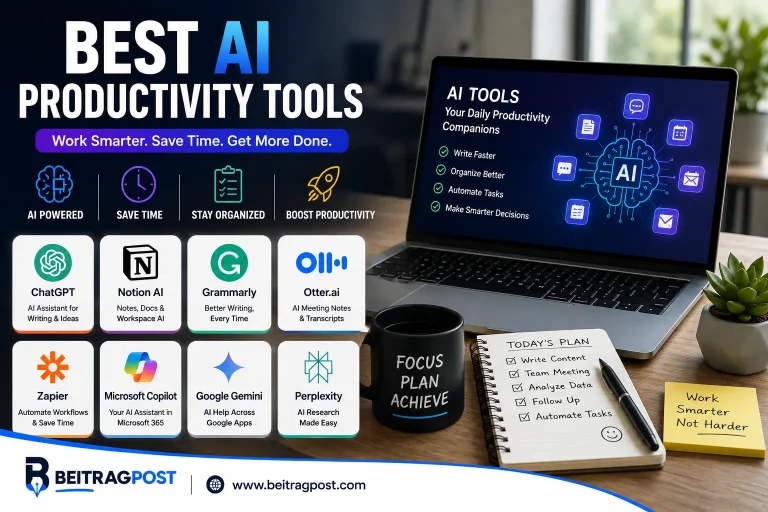
That’s why many professionals combine a calendar with dedicated productivity software. If you’re building a complete workflow, our guide to Best Productivity Apps compares the tools that work alongside modern calendar apps instead of replacing them.
What Makes the Best Calendar Apps Worth Using?
After testing dozens of calendar solutions over the years, we’ve found that the best apps usually share the same characteristics.
They should:
- Sync instantly across devices.
- Send reliable reminders.
- Make scheduling effortless.
- Integrate with other productivity tools.
- Stay fast even with busy calendars.
- Require very little learning before becoming useful.
Fancy features mean very little if opening your calendar feels complicated.
The best calendar apps quietly organize your day so you can focus on your work instead of managing your schedule.
How We Chose the Best Calendar Apps
Rather than ranking apps by popularity alone, we evaluated each recommendation using practical criteria that matter in everyday use.
- Ease of use
- Cross-platform support
- Free plan value
- Collaboration features
- Third-party integrations
- Reliability
- Overall productivity impact
That means an app wasn’t included simply because it’s well known—it had to make planning your day easier in real-world use.
The Best Calendar Apps Compared
Not every calendar app is built for the same type of user.
Some focus on simplicity, while others are designed for project management, team collaboration, or client scheduling.
Instead of choosing the app with the most features, choose the one that matches the way you actually plan your day.
Google Calendar
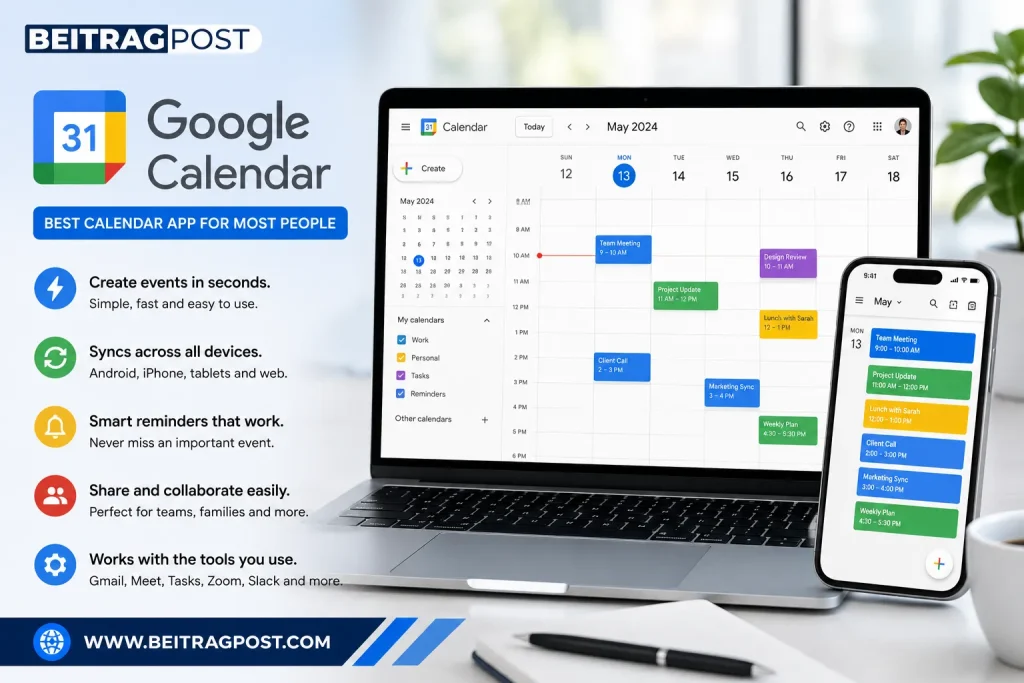
Best Calendar App for Most People
Google Calendar has remained the benchmark for calendar apps because it balances simplicity with powerful features.
Creating events takes seconds, reminders are reliable, and everything syncs automatically across Android, iPhone, tablets, and desktop browsers.
For many users, it’s the only calendar they’ll ever need.
Why We Recommend It
Google Calendar integrates with Gmail, Google Meet, Google Tasks, Zoom, Slack, and hundreds of other productivity tools.
Meeting invitations, travel reservations, and appointment confirmations can even appear automatically, saving time and reducing manual work.
Best For
Students
Remote workers
Freelancers
Families
Small businesses
You Should Skip It If…
If privacy is your highest priority or you don’t use Google’s ecosystem, another option may suit you better.
Pricing
Free: Yes
Premium: Included with Google Workspace plans.
Editor’s Take: Google Calendar remains the easiest recommendation because it works exceptionally well without requiring any paid subscription.
Apple Calendar
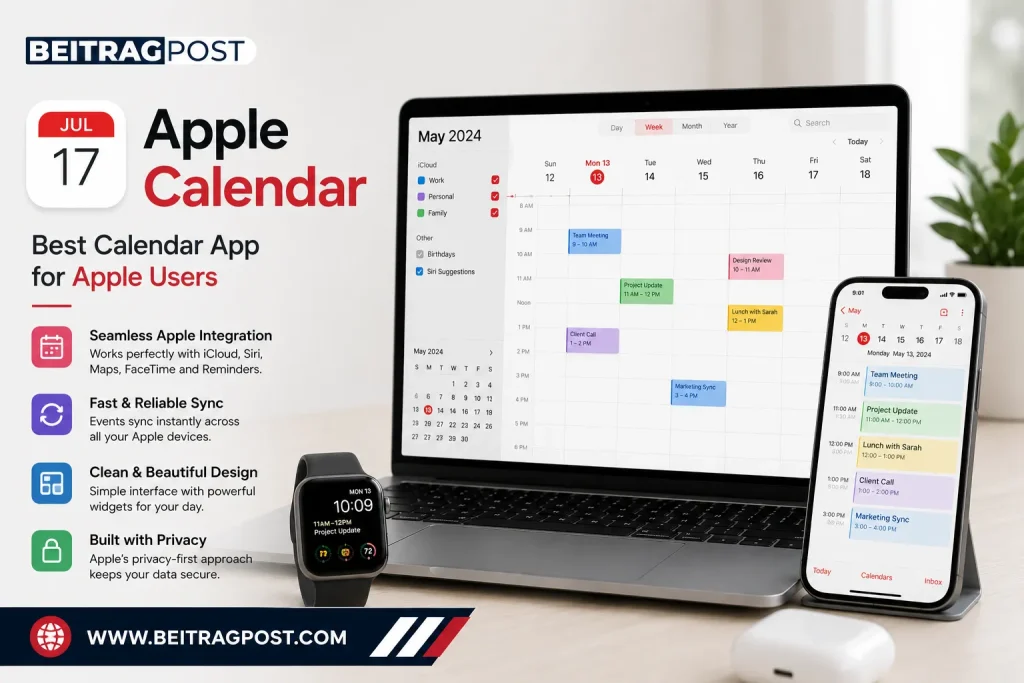
Best Calendar App for Apple Users
If you already use an iPhone, iPad, Mac, or Apple Watch, Apple Calendar feels like a natural extension of the Apple ecosystem.
It syncs through iCloud automatically and works seamlessly with Siri, Apple Maps, FaceTime, and Apple’s Reminder app.
Strengths
- Clean interface
- Excellent widget support
- Fast synchronization
- Strong privacy
- Native Apple integration
Best For
iPhone users
Mac users
Families using Apple devices
You Should Skip It If…
Apple Calendar becomes less convenient if you frequently switch between Windows and Android devices.
Pricing
Completely free.
Editor’s Take: If your entire workflow revolves around Apple products, there’s very little reason to install another calendar app.
Microsoft Outlook Calendar
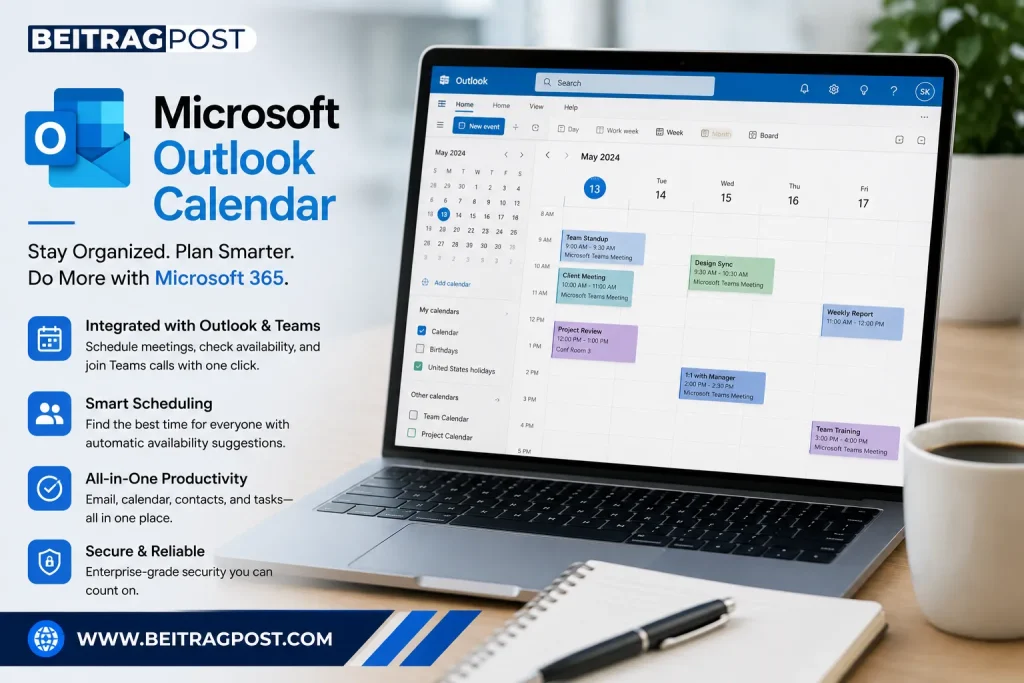
Best Calendar App for Microsoft 365 Users
Outlook Calendar is more than a calendar.
It’s part of a complete productivity ecosystem built around email, meetings, contacts, and business communication.
That makes it particularly valuable for office professionals who already spend most of their day inside Microsoft Outlook.
Why It Stands Out
Scheduling meetings becomes easier because Outlook can check attendee availability, suggest meeting times, and integrate directly with Microsoft Teams.
Best For
Corporate professionals
HR teams
Office environments
Microsoft 365 subscribers
You Should Skip It If…
If you only need a simple personal calendar, Outlook may feel more complex than necessary.
Pricing
Free version available.
Premium features included with Microsoft 365.
Editor’s Take: Outlook Calendar shines in professional workplaces where meetings, emails, and collaboration happen throughout the day.
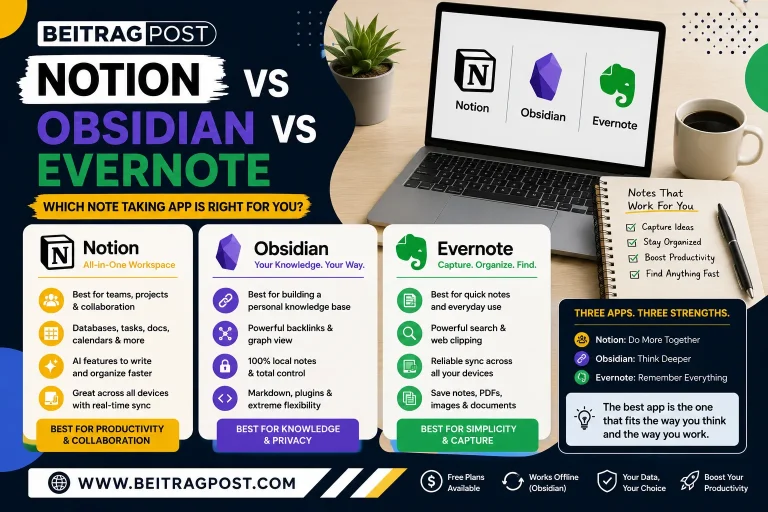
Notion Calendar
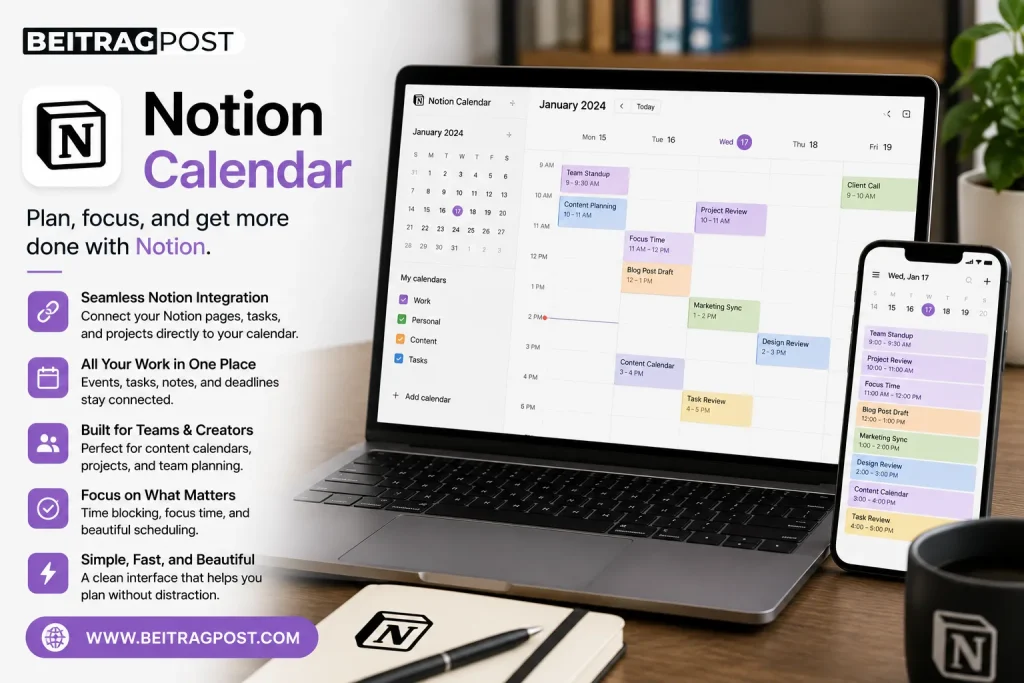
Best Calendar App for Productivity Enthusiasts
Notion Calendar is designed for people who don’t just schedule meetings they manage projects, content calendars, deadlines, and long-term planning.
Unlike traditional calendar apps, it connects directly with your Notion workspace.
Tasks, notes, project timelines, and meetings all stay connected.
Why We Recommend It
If you already organize your work inside Notion, this integration removes unnecessary switching between apps.
Everything stays in one workflow.
Best For
Content creators
Startup teams
Project managers
Students
You Should Skip It If…
If you don’t use Notion, many of its biggest advantages disappear.
Pricing
Free.
Advanced workspace features depend on your Notion plan.
Editor’s Take: Notion Calendar isn’t trying to replace Google Calendar for everyone. It’s built for users who want planning, documentation, and project management working together.
Calendly
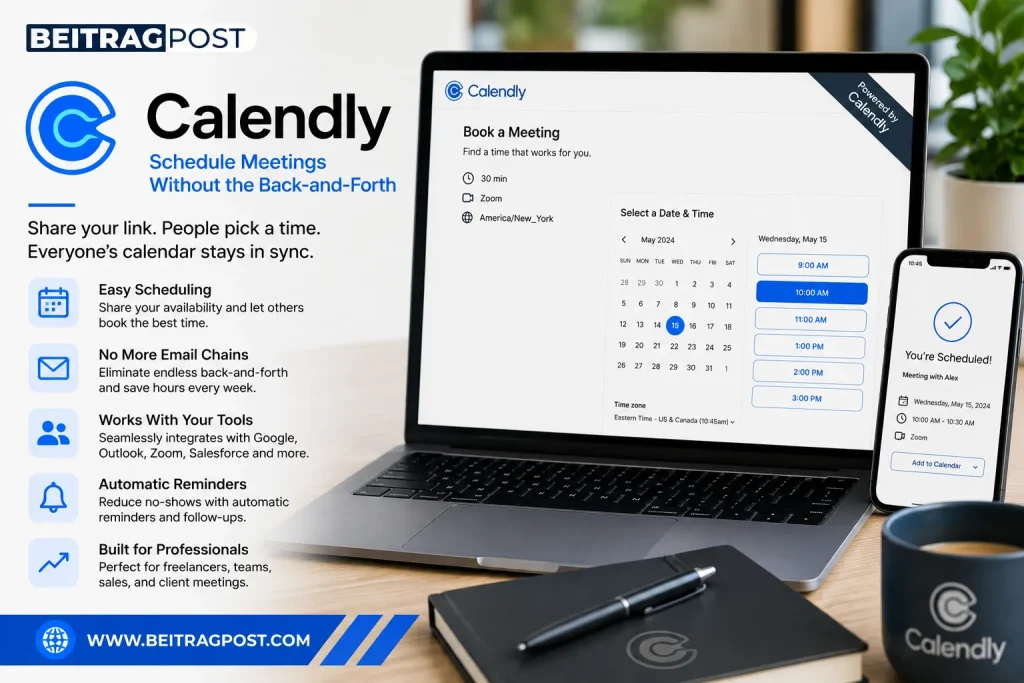
Best Calendar App for Scheduling Meetings
Calendly solves one specific problem extremely well.
Instead of exchanging multiple emails trying to find a suitable meeting time, you simply share your booking link.
People choose an available time, receive confirmation automatically, and the appointment appears in everyone’s calendar.
Best For
Freelancers
Consultants
Recruiters
Sales professionals
Coaches
You Should Skip It If…
Calendly isn’t designed to replace your daily calendar.
It’s primarily a scheduling tool that works alongside your existing calendar.
Pricing
Free plan available.
Paid plans unlock advanced scheduling, workflows, reminders, and integrations.
Editor’s Take: If you regularly schedule meetings with clients, Calendly can save hours every month by eliminating unnecessary back-and-forth emails.
Quick Comparison of the Best Calendar Apps
| App | Best For | Free Plan | Cross-Platform | Overall Rating |
|---|---|---|---|---|
| Google Calendar | Everyday users | ✅ | ⭐⭐⭐⭐⭐ | ⭐⭐⭐⭐⭐ |
| Apple Calendar | Apple ecosystem | ✅ | ⭐⭐⭐☆☆ | ⭐⭐⭐⭐☆ |
| Outlook Calendar | Business professionals | ✅ | ⭐⭐⭐⭐⭐ | ⭐⭐⭐⭐☆ |
| Notion Calendar | Productivity workflows | ✅ | ⭐⭐⭐⭐☆ | ⭐⭐⭐⭐☆ |
| Calendly | Appointment scheduling | ✅ | ⭐⭐⭐⭐⭐ | ⭐⭐⭐⭐☆ |
Buying Advice: Don’t switch calendar apps just because another one has more features. Switch only if your current calendar creates friction in your daily workflow. The best calendar app is the one you’ll consistently usenot the one with the longest feature list.
Which Calendar App Should You Choose?
After comparing the options, the answer becomes much simpler.
The best calendar app isn’t necessarily the one with the most features—it’s the one that fits your daily routine.
Here’s a quick recommendation based on different needs.
Choose Google Calendar if…
- You want a free, reliable calendar.
- You use Android or multiple devices.
- You need excellent integrations.
- You want something that just works.
Best Overall Choice
Choose Apple Calendar if…
- You only use Apple devices.
- You value simplicity.
- You want deep integration with macOS and iOS.
Best for Apple Users
Choose Outlook Calendar if…
- Your work revolves around Microsoft 365.
- You attend multiple meetings every day.
- You rely heavily on Outlook email.
Best for Business Professionals
Choose Notion Calendar if…
- You already use Notion daily.
- You manage projects alongside your schedule.
- You like keeping notes, deadlines, and meetings together.
Best for Productivity Workflows
Choose Calendly if…
- Clients regularly book meetings with you.
- You want to eliminate scheduling emails.
- You’re a freelancer, consultant, recruiter, or coach.
Best for Appointment Scheduling
Common Mistakes When Choosing a Calendar App
Many people switch calendar apps expecting to become instantly more organized.
Unfortunately, the app usually isn’t the problem.
These are the mistakes that hurt productivity the most.
Choosing Features You’ll Never Use
Some calendar apps advertise hundreds of features.
If you only schedule meetings and personal reminders, you’ll probably never touch most of them.
Choose simplicity over complexity whenever possible.
Ignoring Your Existing Workflow
The best calendar app should work with the tools you already use.
If your email, video meetings, and documents already live inside Google Workspace, moving to another ecosystem may create unnecessary friction.
The same applies to Microsoft 365 and Apple’s ecosystem.
Using a Calendar Without a Task Manager
A calendar tells you when something happens.
It doesn’t always tell you what needs to be done before that event.
That’s why many professionals combine a calendar with a dedicated task management solution. If you’re looking for a complete planning system, our guide to Best Task Manager Apps compares the top tools for organizing projects, deadlines, and daily tasks alongside your calendar.
Overloading Your Calendar
Blocking every minute of your day often has the opposite effect.
Leave room for unexpected meetings, breaks, and deep work.
A realistic schedule is much easier to follow than a perfect one.
Frequently Asked Questions
Which is the best free calendar app?
Google Calendar remains the best free calendar app for most people because it offers reliable syncing, cross-platform support, smart reminders, and seamless integration with Google’s ecosystem at no cost.
Which calendar app works across all devices?
Google Calendar, Outlook Calendar, and Calendly all work across Windows, macOS, Android, iPhone, and web browsers, making them excellent choices for users with multiple devices.
Is Google Calendar better than Apple Calendar?
It depends on your workflow.
Google Calendar is better for users who switch between different operating systems or collaborate frequently, while Apple Calendar provides the best experience for people fully invested in the Apple ecosystem.
What’s the difference between a calendar app and a task manager?
A calendar helps you organize appointments, meetings, and time-based events.
A task manager focuses on tracking work, priorities, deadlines, and project progress.
Most productive people use both together rather than relying on only one.
Are paid calendar apps worth it?
For most users, free calendar apps provide everything needed for personal scheduling.
Paid plans become worthwhile if you need advanced scheduling automation, team collaboration, or premium productivity features.
Final Verdict
The best calendar apps aren’t the ones with the longest list of features—they’re the ones that make planning your day effortless.
For most people, Google Calendar remains the strongest all-round choice thanks to its excellent free plan, reliable synchronization, and broad compatibility across devices and productivity tools. Apple Calendar is the obvious choice for users within Apple’s ecosystem, Outlook Calendar excels in professional workplaces, Notion Calendar is ideal for project-focused workflows, and Calendly stands out for anyone who schedules meetings with clients regularly.
Before switching to a new calendar, think about how you actually work every day. The right app should fit naturally into your workflow, reduce unnecessary friction, and help you stay organized without requiring constant maintenance.
Key Takeaways
Choose a calendar that fits your workflow—not just the one with the most features.
Google Calendar is the best all-round option for most users.
Apple Calendar works best inside the Apple ecosystem.
Outlook Calendar is ideal for Microsoft 365 users.
Notion Calendar combines scheduling with project planning.
Calendly simplifies appointment booking for professionals.
Pair your calendar with a task manager for maximum productivity.