9 Best Focus Apps That Actually Help You Concentrate
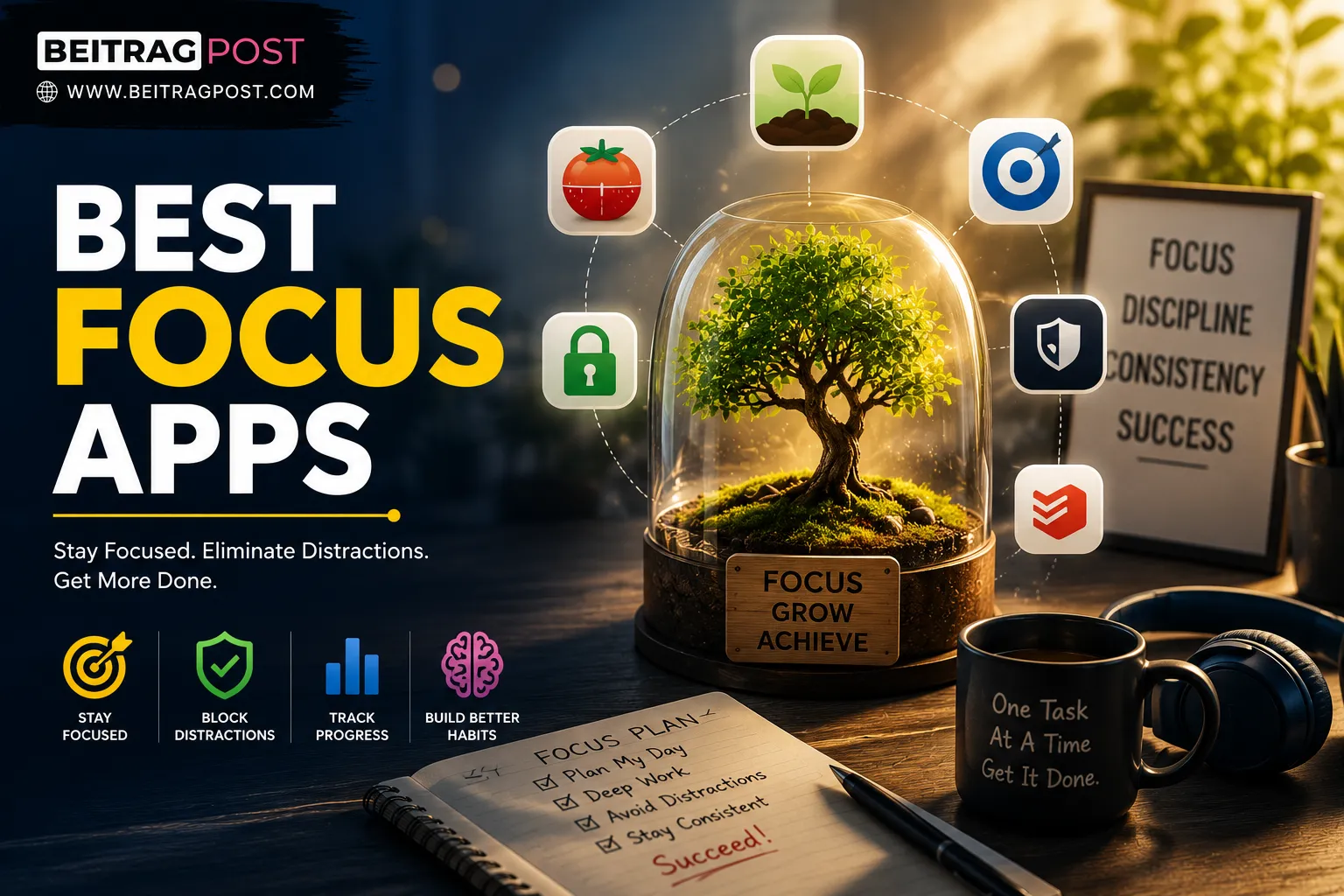
The best focus apps can help you reclaim your attention when constant notifications, social media, and endless browser tabs make it difficult to stay productive.
Most people don’t lose focus because they’re lazy.
They lose focus because their phone buzzes, another browser tab looks more interesting, or a “quick check” of social media turns into twenty minutes of scrolling.
By the end of the day, it feels like you’ve been busy the whole time—but the task that actually mattered is still unfinished.
The right app won’t magically give you discipline. What it can do is remove distractions, build better habits, and make it much easier to stay locked into one task until it’s finished. Whether you’re studying for exams, working remotely, writing content, or trying to reduce screen time, choosing one of the best focus apps can completely change how productive your day feels.
Instead of ranking apps by popularity alone, this guide explains which app solves which problem, who it’s best for, and when it’s actually worth paying for.
Which Best Focus App Fits Your Biggest Problem?
Before reading every review, start with the problem that’s hurting your productivity the most.
| If your biggest problem is… | Use this app |
|---|---|
| I keep checking my phone every few minutes | Forest |
| Social media ruins my workflow | Freedom |
| I don’t know where my time goes | RescueTime |
| I work best with Pomodoro sessions | Focus To-Do |
| I struggle to stay motivated while studying | Study Bunny |
| I need one place to plan my workday | Sunsama |
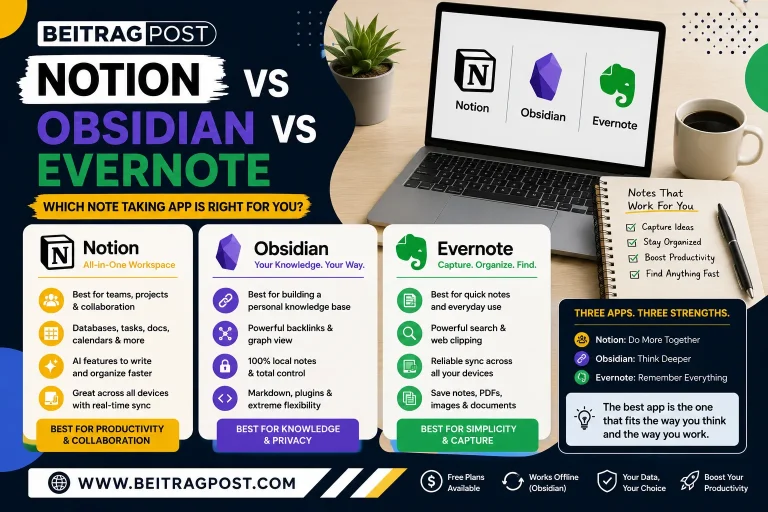
Many people combine a focus app with task managers, calendars, and note-taking tools for even better results. If you’re building a complete productivity system, our guide to Best Productivity Apps explores the top tools that work alongside the apps featured in this article.
Why Most Focus Apps Fail After One Week
Here’s something most reviews never mention.
The biggest reason people stop using focus apps isn’t because the apps are bad.
It’s because they choose the wrong type of app.
Someone who constantly checks Instagram doesn’t need another to-do list.
Or Someone who already plans their day doesn’t need another calendar.
Someone who loses hours to YouTube doesn’t need motivational quotes.
They need a tool that removes the specific distraction causing the problem.
That’s the approach we used while selecting every recommendation below.
How We Selected the Best Focus Apps
Every app on this list was tested against questions that matter in everyday life—not just marketing claims.
We looked at:
- Does it genuinely reduce distractions?
- Is it easy enough to use every day?
- Does it help build better habits over time?
- Is the free version actually useful?
- Is the paid version worth the money?
- Does it work across multiple devices?
Apps that looked impressive but added unnecessary complexity didn’t make our final recommendations.
1. Forest

Best Focus App If You Can’t Stop Checking Your Phone
Picture this.
You’re studying for an important exam.
You decide to revise for one hour without interruptions.
Ten minutes later, your hand reaches for your phone almost automatically.
You don’t even have a reason.
You unlock it anyway.
Instagram.
WhatsApp.
A YouTube Short.
Suddenly twenty minutes have disappeared.
Forest was built for exactly this habit.
Instead of relying on willpower, it gives your brain a simple reason to stay focused.
When you begin a focus session, the app plants a virtual tree.
Every minute you stay on task helps that tree grow.
Leave the app to browse social media, and the tree dies.
It sounds surprisingly simple.
That’s because it is.
And for thousands of students, writers, freelancers, and remote workers, that tiny psychological commitment is enough to stop the endless cycle of checking their phone every few minutes.
You’ll Love Forest If…
- You unlock your phone without thinking.
- You’re preparing for exams.
- You enjoy visual progress and small rewards.
- You want a distraction-free workspace without complicated settings.
Skip Forest If…
- You want detailed productivity reports.
- You need advanced website blocking.
- You manage team projects and need collaboration features.
Quick Facts
Best for: Students, writers, freelancers, remote workers
Platforms: Android, iPhone, Chrome Extension
Free Version: Yes
Premium: One-time purchase (price varies by platform)
Editor’s Insight: Forest doesn’t try to become an all-in-one productivity platform. It focuses on solving one everyday problem exceptionally well helping you resist the urge to check your phone. For many people, that single improvement is enough to make a noticeable difference in how much meaningful work they finish each day.
2. Freedom
Best Focus App If Social Media Keeps Interrupting Your Work
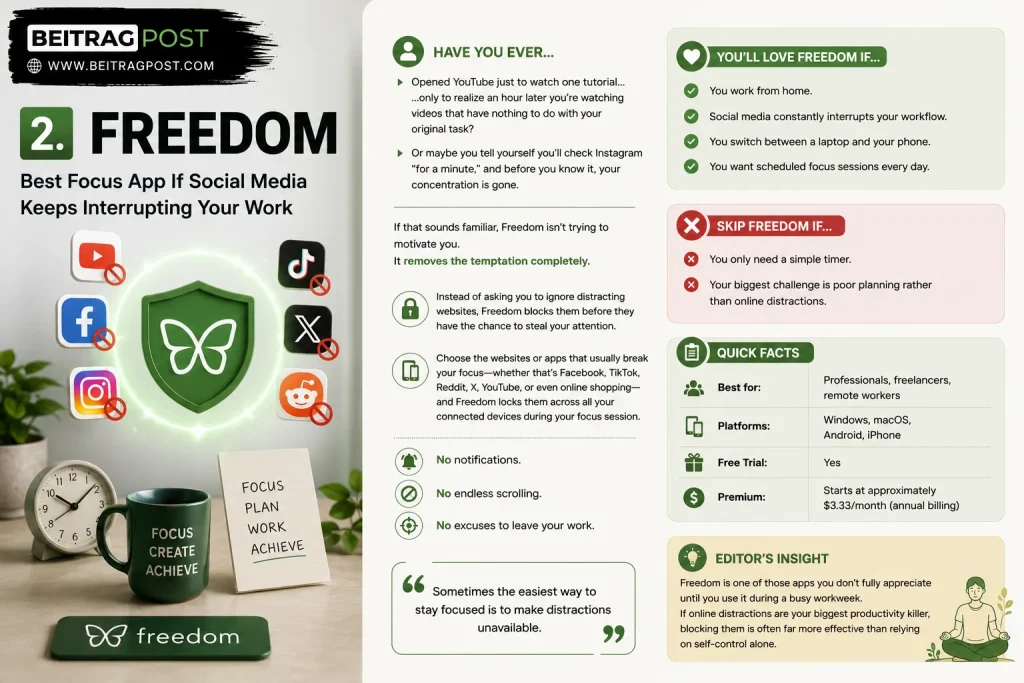
Have you ever opened YouTube just to watch one tutorial…
…only to realize an hour later you’re watching videos that have nothing to do with your original task?
Or maybe you tell yourself you’ll check Instagram “for a minute,” and before you know it, your concentration is gone.
If that sounds familiar, Freedom isn’t trying to motivate you.
It removes the temptation completely.
Instead of asking you to ignore distracting websites, Freedom blocks them before they have the chance to steal your attention.
Choose the websites or apps that usually break your focus—whether that’s Facebook, TikTok, Reddit, X, YouTube, or even online shopping—and Freedom locks them across all your connected devices during your focus session.
No notifications.
And No endless scrolling.
No excuses to leave your work.
Sometimes the easiest way to stay focused is to make distractions unavailable.
You’ll Love Freedom If…
- You work from home.
- Social media constantly interrupts your workflow.
- You switch between a laptop and your phone.
- You want scheduled focus sessions every day.
Skip Freedom If…
- You only need a simple timer.
- Your biggest challenge is poor planning rather than online distractions.
Quick Facts
Best for: Professionals, freelancers, remote workers
Platforms: Windows, macOS, Android, iPhone
Free Trial: Yes
Premium: Starts at approximately $3.33/month (annual billing)
Editor’s Insight: Freedom is one of those apps you don’t fully appreciate until you use it during a busy workweek. If online distractions are your biggest productivity killer, blocking them is often far more effective than relying on self-control alone.
3. RescueTime
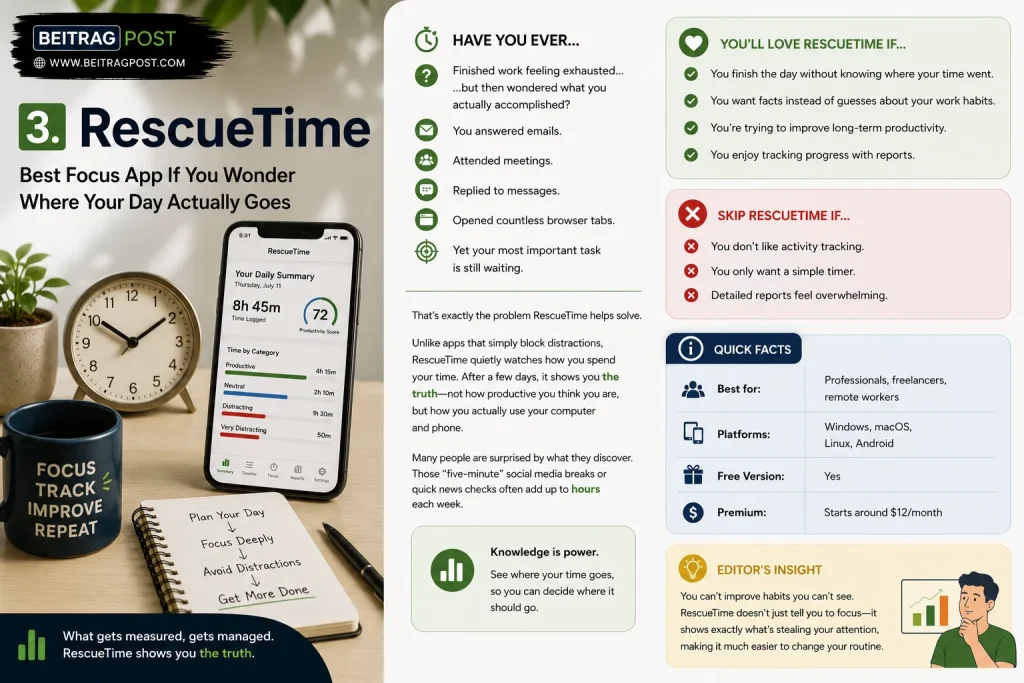
Best Focus App If You Wonder Where Your Day Actually Goes
Have you ever finished work feeling exhausted…
…but then wondered what you actually accomplished?
You answered emails.
Attended meetings.
Replied to messages.
Opened countless browser tabs.
Yet your most important task is still waiting.
That’s exactly the problem RescueTime helps solve.
Unlike apps that simply block distractions, RescueTime quietly watches how you spend your time. After a few days, it shows you the truth—not how productive you think you are, but how you actually use your computer and phone.
Many people are surprised by what they discover. Those “five-minute” social media breaks or quick news checks often add up to hours each week.
You’ll Love RescueTime If…
- You finish the day without knowing where your time went.
- You want facts instead of guesses about your work habits.
- You’re trying to improve long-term productivity.
- You enjoy tracking progress with reports.
Skip RescueTime If…
- You don’t like activity tracking.
- You only want a simple timer.
- Detailed reports feel overwhelming.
Quick Facts
Best for: Professionals, freelancers, remote workers
Platforms: Windows, macOS, Linux, Android
Free Version: Yes
Premium: Starts around $12/month
Editor’s Insight: You can’t improve habits you can’t see. RescueTime doesn’t just tell you to focus it shows exactly what’s stealing your attention, making it much easier to change your routine.
4. Focus To-Do

Best Focus App If the Pomodoro Technique Keeps You Productive
Some people struggle because they work for too long without taking a break.
Others never work long enough to build momentum.
The Pomodoro Technique solves both problems by dividing work into short, focused sessions followed by planned breaks.
Focus To-Do makes this system incredibly easy.
Instead of using separate apps for timers and task lists, you can plan your work, start a focus session, and monitor your daily progress from one clean dashboard.
Because every completed session feels like a small win, it’s easier to stay motivated throughout the day.
You’ll Love Focus To-Do If…
- You already use Pomodoro timers.
- Large tasks feel overwhelming.
- You enjoy checking completed work off a list.
- You need structure without complexity.
Skip Focus To-Do If…
- You prefer flexible work sessions.
- You need advanced analytics.
- You mainly want website blocking.
Quick Facts
Best for: Students, freelancers, writers
Platforms: Windows, macOS, Android, iPhone
Free Version: Yes
Premium: Affordable one-time purchase and subscription options depending on the platform.
Editor’s Insight: If staying focused feels difficult because you don’t know where to start, breaking work into smaller sessions often removes that mental resistance. That’s where Focus To-Do shines.
5. Study Bunny
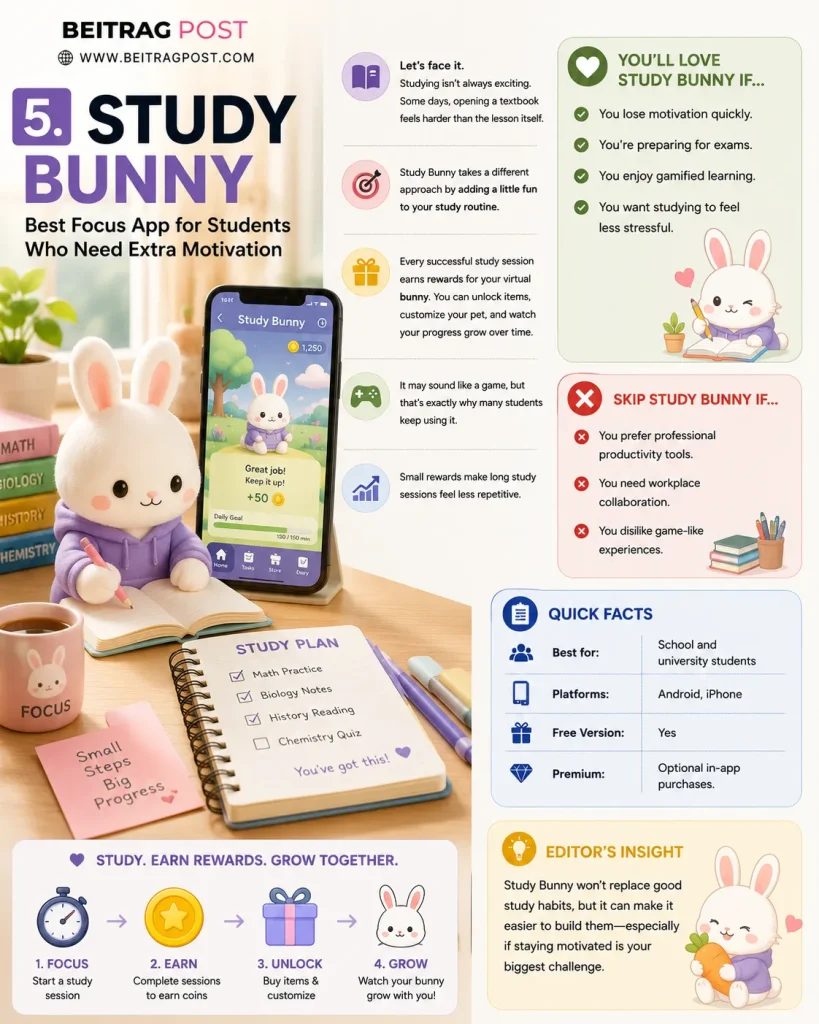
Best Focus App for Students Who Need Extra Motivation
Let’s face it.
Studying isn’t always exciting.
Some days, opening a textbook feels harder than the lesson itself.
Study Bunny takes a different approach by adding a little fun to your study routine.
Every successful study session earns rewards for your virtual bunny. You can unlock items, customize your pet, and watch your progress grow over time.
It may sound like a game, but that’s exactly why many students keep using it.
Small rewards make long study sessions feel less repetitive.
You’ll Love Study Bunny If…
- You lose motivation quickly.
- You’re preparing for exams.
- You enjoy gamified learning.
- You want studying to feel less stressful.
Skip Study Bunny If…
- You prefer professional productivity tools.
- You need workplace collaboration.
- You dislike game-like experiences.
Quick Facts
Best for: School and university students
Platforms: Android, iPhone
Free Version: Yes
Premium: Optional in-app purchases.
Editor’s Insight: Study Bunny won’t replace good study habits, but it can make it easier to build them especially if staying motivated is your biggest challenge.
6. Session
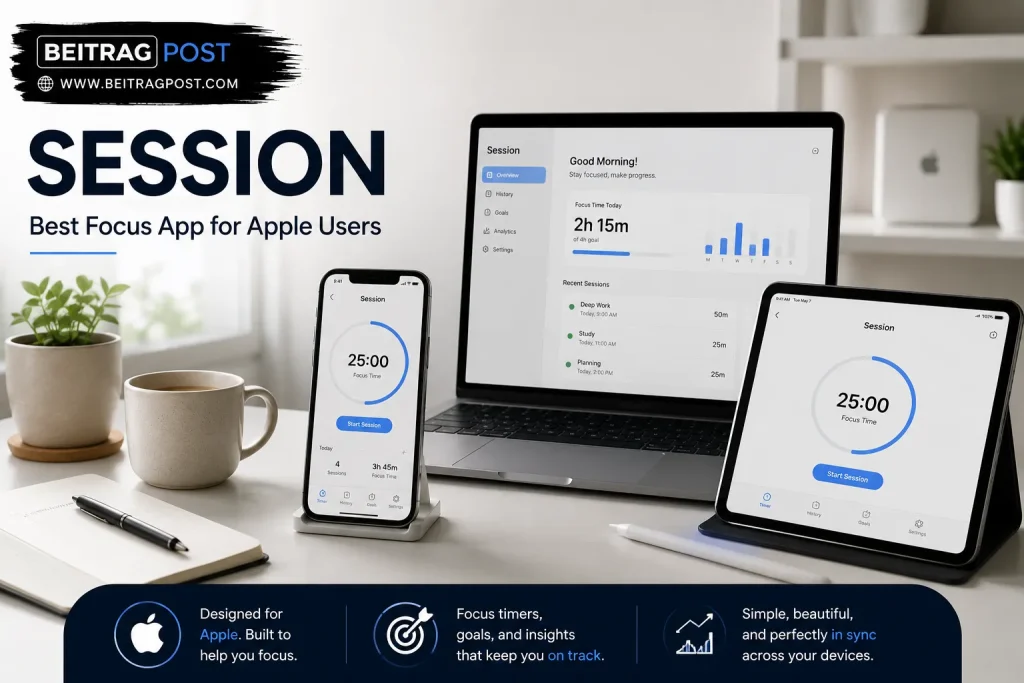
Best Focus App for Apple Users
If you already use a Mac, iPhone, or iPad every day, switching between different productivity apps can become frustrating.
Session was designed specifically for Apple’s ecosystem.
Instead of forcing complicated workflows, it offers a clean interface that feels right at home on Apple devices.
The app combines focus timers, productivity tracking, goal setting, and detailed session history without becoming cluttered.
For Apple users who appreciate simple, polished software, Session feels less like another productivity app and more like a natural extension of the operating system.
You’ll Love Session If…
- You use Apple devices every day.
- You prefer clean, distraction-free interfaces.
- You enjoy tracking focus sessions over time.
- Simplicity matters more than endless features.
Skip Session If…
- You mainly use Windows or Android.
- You need extensive team collaboration.
- You want aggressive website blocking.
Quick Facts
Best for: Mac, iPhone, and iPad users
Platforms: Apple ecosystem
Free Version: Limited
Premium: Subscription available.
Editor’s Insight: Session isn’t packed with flashy features, and that’s exactly its strength. It stays out of your way while helping you stay focused.
Which Focus App Solves Your Biggest Productivity Problem?
Choosing among the best focus apps becomes much easier when you start with the problem instead of the feature list.
| Your Situation | Recommended App |
|---|---|
| I constantly check my phone | Forest |
| Social media ruins my work | Freedom |
| I don’t know where my day goes | RescueTime |
| I love Pomodoro sessions | Focus To-Do |
| I struggle to study consistently | Study Bunny |
| I use only Apple devices | Session |
Rather than downloading several apps at once, pick the one that solves your biggest distraction first. Once that habit improves, you can always add more tools if you need them.
7. Sunsama
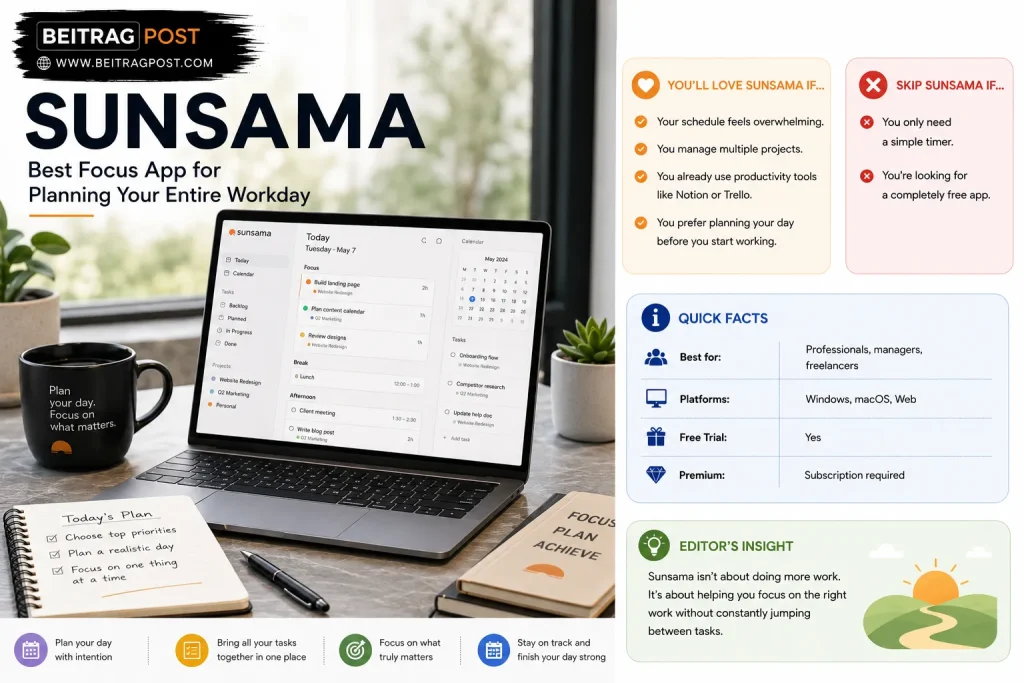
Best Focus App for Planning Your Entire Workday
Some people don’t get distracted because of social media.
They get distracted because they have too many priorities.
You open your laptop with five important tasks, answer one email, jump into Slack, remember another deadline, and suddenly you’re switching between jobs every few minutes.
Sunsama helps you slow everything down.
Instead of overwhelming you with a huge task list, it encourages you to plan a realistic day by deciding what you’ll actually finish. You can pull tasks from tools like Trello, Asana, Notion, and Google Calendar into one daily plan, making it easier to focus on one priority at a time.
You’ll Love Sunsama If…
- Your schedule feels overwhelming.
- You manage multiple projects.
- You already use productivity tools like Notion or Trello.
- You prefer planning your day before you start working.
Skip Sunsama If…
- You only need a simple timer.
- You’re looking for a completely free app.
Quick Facts
- Best for: Professionals, managers, freelancers
- Platforms: Windows, macOS, Web
- Free Trial: Yes
- Premium: Subscription required
Editor’s Insight: Sunsama isn’t about doing more work. It’s about helping you focus on the right work without constantly jumping between tasks.
8. Cold Turkey
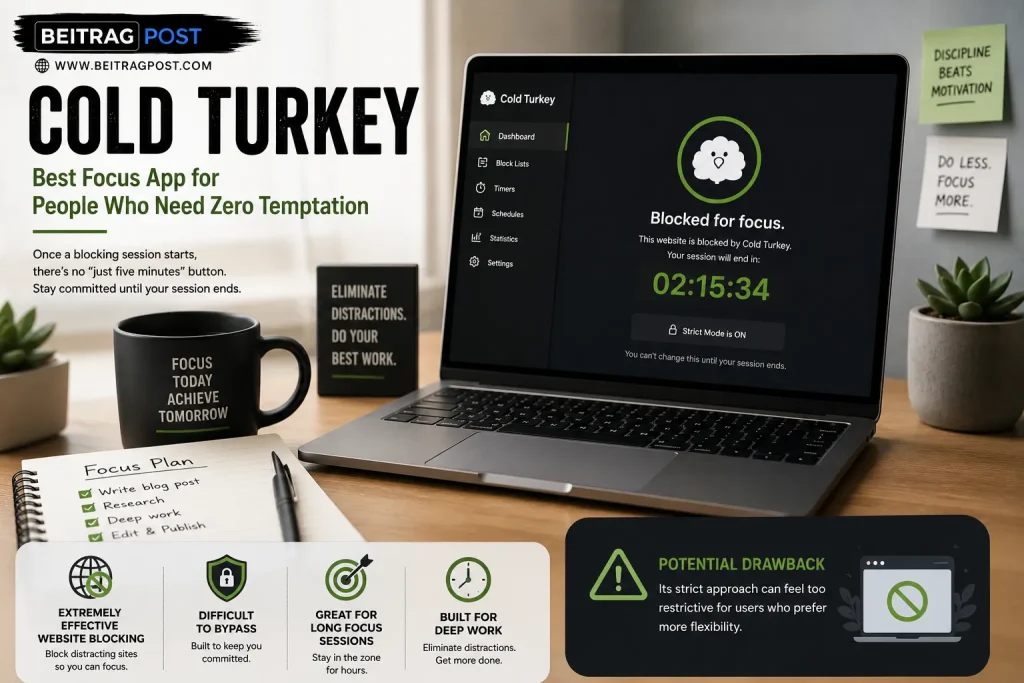
Best Focus App for People Who Need Zero Temptation
Sometimes the biggest productivity problem is simple:
You know you’ll click the distracting website if it’s available.
Cold Turkey solves that by giving you no easy way out.
Once a blocking session starts, there’s no “just five minutes” button. The websites stay blocked until your scheduled session ends, helping you stay committed even when motivation disappears.
Best For
- Writers
- Students
- Remote workers
- Deep work sessions
Why People Love It
- Extremely effective website blocking
- Difficult to bypass
- Great for long focus sessions
Potential Drawback
Its strict approach can feel too restrictive for users who prefer more flexibility.
9. Brain.fm
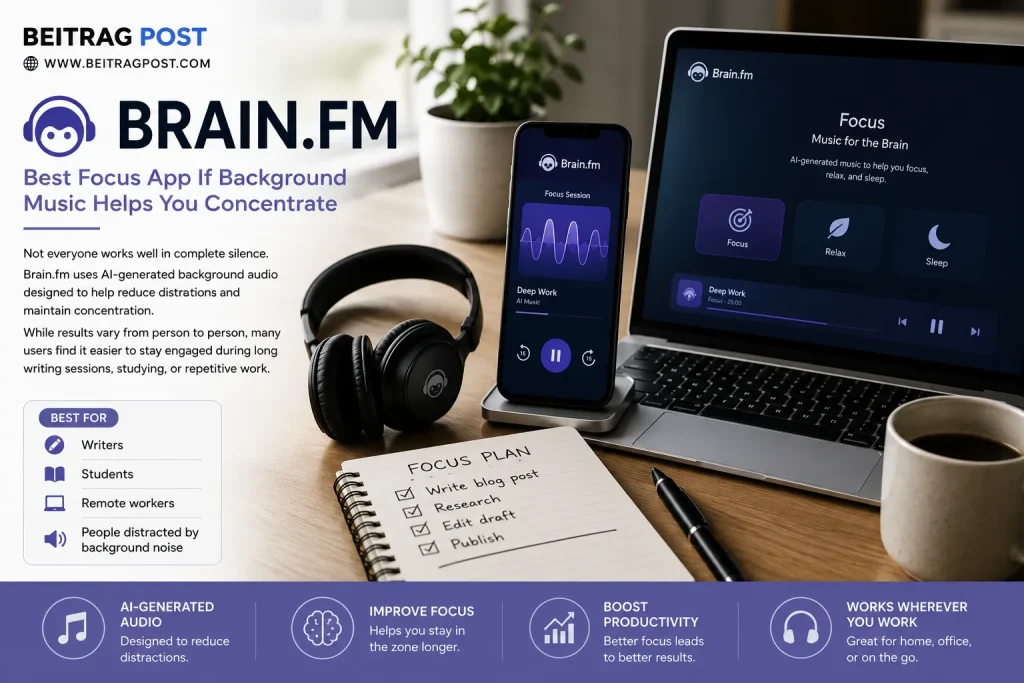
Best Focus App If Background Music Helps You Concentrate
Not everyone works well in complete silence.
Brain.fm uses AI-generated background audio designed to help reduce distractions and maintain concentration.
While results vary from person to person, many users find it easier to stay engaged during long writing sessions, studying, or repetitive work.
Best For
- Writers
- Students
- Remote workers
- People distracted by background noise
How to Choose the Best Focus App
Before downloading anything, ask yourself one question:
Why do I lose focus?
Your answer matters more than the app’s popularity.
Choose Forest if your phone is the biggest distraction.
Or Choose Freedom if social media constantly interrupts your work.
Choose RescueTime if you want to understand where your day disappears.
Or Choose Focus To-Do if short, structured work sessions keep you motivated.
Choose Sunsama if managing too many priorities makes it difficult to concentrate.
Choosing the app that solves your specific problem will almost always produce better results than downloading the one with the most features.
Can Focus Apps Really Improve Concentration?
Yes but only if they’re solving the right problem.
A timer won’t help if social media keeps interrupting you.
Website blockers won’t fix poor planning.
Analytics won’t matter if you never review them.
Think of focus apps as tools, not magic solutions.
They remove obstacles, but your daily habits still matter.
If distractions are a constant challenge, our guide on How to Stop Getting Distracted shares practical strategies that work alongside these apps to help you build lasting focus instead of relying on technology alone.
Frequently Asked Questions
What is the best free focus app?
Forest, Focus To-Do, and Study Bunny all offer useful free versions. If you’re just getting started, Forest is an excellent place to begin because it’s simple, motivating, and easy to use.
Which focus app is best for students?
Study Bunny and Forest are two of the best choices for students. Both encourage consistent study habits, although Forest focuses more on avoiding distractions while Study Bunny adds motivation through gamification.
Do focus apps really work?
They can, provided you choose an app that addresses your biggest distraction. Someone who struggles with social media will benefit more from website blocking than from another task manager.
Which focus app blocks distracting websites?
Freedom and Cold Turkey are among the strongest options for blocking distracting websites and applications across multiple devices.
Are paid focus apps worth it?
If you use them every day for work or study, a premium subscription can easily save more time than it costs. However, most people should start with a free version before deciding whether advanced features are necessary.
Final Verdict
The best focus apps aren’t the ones with the longest feature list—they’re the ones you’ll actually keep using.
If you’re constantly reaching for your phone, Forest offers one of the simplest and most effective ways to build better focus habits. If social media regularly pulls you away from important work, Freedom removes those distractions before they become a problem. Professionals who want detailed insights into how they spend their time will benefit from RescueTime, while students looking for extra motivation may find Study Bunny or Focus To-Do a better fit.
Rather than installing several productivity apps at once, choose one that targets your biggest distraction and use it consistently for a few weeks. Once that habit becomes part of your routine, you’ll have a much better idea of whether you need additional tools or whether a single app is enough to transform how you work.
Key Takeaways
- Different focus apps solve different productivity problems.
- Pick an app based on your biggest distraction, not its popularity.
- Forest is ideal for reducing phone distractions.
- Freedom and Cold Turkey are excellent for blocking websites.
- RescueTime helps identify hidden productivity habits.
- Consistent daily use matters far more than downloading multiple apps.