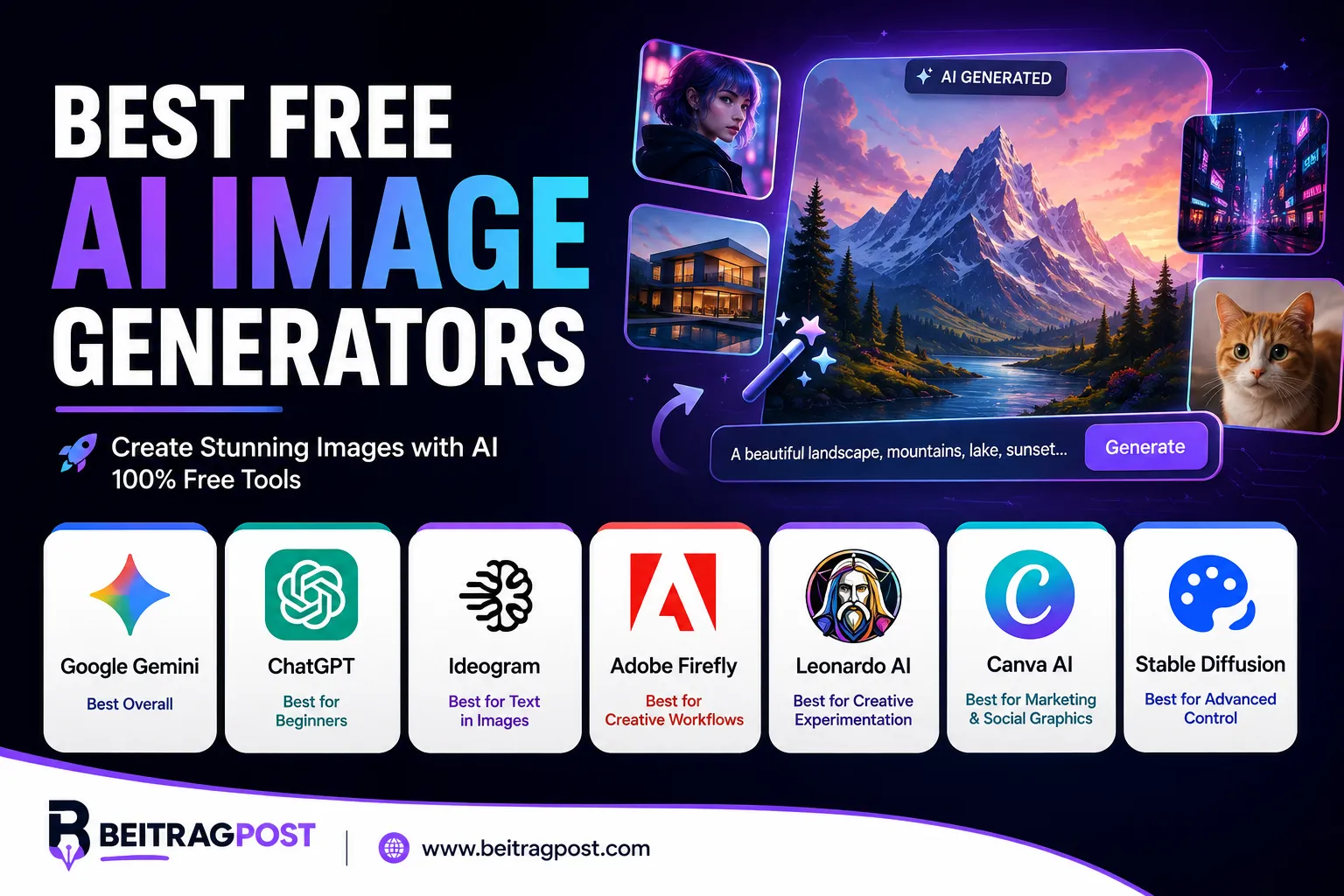
Best Free AI Image Generators
If you’re looking for the best free AI image generators, the right choice depends on what you want to create. Some tools are better for realistic images, while others excel at text inside images, creative artwork, editing, or simple beginner-friendly generation.
For most people, Google Gemini is a strong starting point because it combines image generation with a simple conversational interface. ChatGPT is another excellent option for beginners who want to create and refine images through natural-language instructions. Ideogram stands out when accurate text inside images matters, while Adobe Firefly is worth considering for creators who want image generation integrated with a broader creative workflow. Recent comparisons similarly find that the best option changes depending on the user’s specific needs.
The important part is understanding what each tool does well instead of choosing based only on popularity.
Best Free AI Image Generators
| AI Image Generator | Best For | Free Access | Ease of Use |
|---|---|---|---|
| Google Gemini | Overall use | Yes | Easy |
| ChatGPT | Beginners and editing | Yes | Very Easy |
| Ideogram | Text in images | Yes | Easy |
| Adobe Firefly | Creative workflows | Yes | Easy |
| Leonardo AI | Creative experimentation | Yes | Medium |
| Canva AI | Marketing and social graphics | Limited free access | Very Easy |
| Stable Diffusion | Advanced control | Yes, with setup | Advanced |
Best overall for most users: Google Gemini
Best for beginners: ChatGPT
Best for text in images: Ideogram
Best for creative workflows: Adobe Firefly
Best for advanced control: Stable Diffusion
Free access does not always mean unlimited generation. Many services provide free credits, usage limits, or restricted features, so check the current plan before relying on a tool for high-volume work.
How We Chose the Best Free AI Image Generators
A tool shouldn’t make this list simply because it can turn a prompt into a picture.
We looked at the factors that matter when someone actually wants to use an AI image generator.
Image Quality
The generated image should look convincing and follow the prompt accurately.
Ease of Use
A powerful model isn’t very useful if beginners need to understand complicated settings before creating their first image.
Free Access
We considered whether users can actually generate images without immediately paying for a subscription.
Creative Control
Useful controls can include style selection, aspect ratios, reference images, editing, and prompt refinement.
Editing Capabilities
Generation is only part of the workflow. Being able to modify an image without starting from scratch can make a major difference.
Best Use Cases
Different generators have different strengths. A tool that produces excellent posters may not be the best choice for realistic portraits.
Google Gemini
Best Free AI Image Generator for Most Users
Google Gemini is one of the easiest places to start if you want to generate AI images without learning a complicated creative platform.
Its conversational interface lets you describe what you want in ordinary language. You can then refine the result by asking for changes rather than rebuilding the entire prompt from scratch.
That makes the experience particularly approachable for beginners.
Recent comparisons have ranked Gemini highly for general free image generation because of its browser-based workflow and relatively low setup effort.
What Gemini Does Well
Gemini is particularly useful when your image requires several details to work together.
You can describe:
- A specific environment
- Characters or people
- Lighting
- Composition
- Clothing
- Camera perspective
- Mood
- Colors
- Text or visual elements
The conversational workflow also makes experimentation easy.
Instead of trying to write the perfect prompt on your first attempt, you can ask the system to modify the result.
Best For
Gemini is a strong choice for:
- Beginners
- Blog graphics
- Social media images
- Concept images
- Illustrations
- General-purpose image generation
- Users who want simple prompt-based editing
Pros
- Easy to start
- Conversational workflow
- Strong general-purpose image creation
- Useful for experimenting with different prompts
- No complicated setup
Cons
- Free usage can be subject to limits
- Advanced users may want more dedicated controls
- Exact availability and limits can change
Editor Verdict
Gemini is our best overall starting point for people who want a simple, capable AI image generator without a complicated workflow.
ChatGPT
Best Free AI Image Generator for Beginners
ChatGPT is another strong option for people who want to create images through natural-language instructions.
Instead of learning a traditional image-generation interface, you can describe the visual you want and then continue the conversation to refine it.
That makes it especially useful for beginners who don’t yet know how to write detailed image prompts.
What Makes ChatGPT Different?
The conversational approach is the biggest advantage.
You can start with a basic idea:
Create a professional photo of a modern home office.
Then refine it:
Make the lighting warmer and add a laptop on the desk.
Then continue:
Make it look more like a realistic editorial photograph.
This workflow reduces the need to understand technical image-generation terminology.
Recent testing has also highlighted ChatGPT’s strength in conversational image creation and realistic results.
Best For
- Beginners
- Bloggers
- Content creators
- Social media users
- Quick visual concepts
- Conversational image editing
Pros
- Very approachable
- Natural-language workflow
- Easy iterative editing
- Useful for people already familiar with ChatGPT
Cons
- Free usage has limits
- Not designed around the same level of manual control as advanced image platforms
- Availability and limits can change
Editor Verdict
If you’ve never used an AI image generator before, ChatGPT is one of the easiest places to learn. The conversational workflow makes experimentation much less intimidating.
Ideogram
Best Free AI Image Generator for Text in Images
Ideogram is particularly useful when the image itself needs to contain readable text.
This is important for designs such as:
- Posters
- Logos
- Social media graphics
- Advertisements
- Quote images
- Event graphics
- Thumbnail concepts
Text generation has historically been a difficult problem for many image models. Ideogram has built much of its reputation around handling typography and text-heavy visual designs.
Current comparisons continue to highlight Ideogram as a strong choice when readable text inside generated images is the priority.
What Makes Ideogram Useful?
Imagine you need a promotional poster containing a specific headline.
With many image generators, the overall design might look impressive while the text contains spelling errors or distorted letters.
Ideogram is designed to handle this type of task more effectively.
That doesn’t mean every generation will be perfect. You should still check important text manually before publishing.
Best For
- Posters
- Typography
- Social graphics
- Logos and concepts
- Marketing visuals
- Text-heavy designs
Pros
- Strong text rendering
- Easy browser-based workflow
- Useful creative styles
- Free access available
Cons
- Free usage has limitations
- Not always the best choice for every photorealistic task
- Advanced features may require a paid plan
Editor Verdict
If your image needs accurate words, Ideogram should be one of the first tools you test.
Adobe Firefly
Best for Creative and Marketing Workflows
Adobe Firefly is designed with creative professionals and content creators in mind.
Its biggest advantage is not simply image generation. It’s the way AI generation fits into a broader creative workflow.
That makes Firefly especially interesting for users who already work with Adobe’s ecosystem.
What Firefly Can Do
Depending on the available tools and plan, Firefly can help with tasks such as:
- Generating images from text
- Creating visual concepts
- Editing generated images
- Removing or replacing elements
- Exploring different creative directions
Adobe has also positioned Firefly around commercially oriented creative workflows, although users should always check the current terms that apply to the specific feature or model they use.
Best For
- Designers
- Marketers
- Creative professionals
- Social media content
- Concept development
- Adobe users
Pros
- Strong creative workflow
- Familiar interface for many designers
- Useful editing capabilities
- Integrates with Adobe’s broader ecosystem
Cons
- Free access is limited
- Some advanced features require payment
- May be more than a casual user needs
Editor Verdict
Firefly is a strong choice when you want AI generation to become part of a larger design workflow rather than using an image generator as a standalone toy.
Leonardo AI
Best for Creative Experimentation
Leonardo AI is aimed at users who want more control and experimentation than a basic prompt-and-generate interface provides.
It’s particularly useful for people exploring different visual styles and creative concepts.
The platform has also been recognized for offering a free allowance that can support repeated experimentation, although limits and plan details can change.
What Makes Leonardo Different?
Leonardo provides a broader creative environment than some simple AI image generators.
That can make it appealing to:
- Game artists
- Concept artists
- Designers
- Content creators
- People experimenting with different visual styles
The trade-off is that more controls can also mean a slightly steeper learning curve.
Best For
- Concept art
- Creative projects
- Game visuals
- Style experimentation
- Users who want more control
Pros
- Broad creative options
- Good for experimentation
- Useful for different visual styles
- Free access available
Cons
- More complicated than basic generators
- Free usage is limited
- Some features require paid access
Editor Verdict
Leonardo is worth trying if you’ve moved beyond basic image generation and want more creative control without immediately setting up a local AI workflow.
Canva AI
Best for Social Media and Marketing Graphics
Canva is different from a dedicated AI image generator because the image is often only one part of the final design.
You might generate an image and immediately place it into:
- A social media post
- Presentation
- Flyer
- Blog graphic
- Advertisement
- Thumbnail
- Marketing design
That workflow can save time because you don’t need to generate an image in one service and then move it to another design application.
Best For
Canva AI is especially useful for:
- Small businesses
- Bloggers
- Social media managers
- Marketers
- Students
- Non-designers
If you’re already using Canva for design work, its AI tools can be a convenient addition.
Pros
- Very beginner-friendly
- Image generation and design in one place
- Useful templates
- Strong marketing workflow
Cons
- AI usage can be limited on free access
- Less focused on pure image generation
- Some features require a paid plan
Editor Verdict
Choose Canva when the final goal is a finished marketing or social design, not simply an AI-generated image.
Stable Diffusion
Best for Advanced Users Who Want Maximum Control
Stable Diffusion is different from the browser-based tools above.
Instead of relying entirely on a hosted interface, users can access models and workflows that provide much greater control over how images are generated.
That flexibility is its biggest advantage.
It’s also the reason beginners may find it intimidating.
Why Advanced Users Choose It
Depending on the setup, users can control aspects such as:
- Models
- Sampling methods
- Image dimensions
- Reference images
- Inpainting
- Outpainting
- Workflows
- Generation parameters
You can also run compatible models locally, which changes the economics and privacy considerations compared with cloud-based services.
Best For
- Advanced creators
- Developers
- AI enthusiasts
- Researchers
- Artists who want control
- Users with capable hardware
Pros
- Extensive control
- Large ecosystem
- Local workflows possible
- Highly customizable
Cons
- Technical setup
- Hardware requirements for local generation
- More complicated than browser-based tools
Editor Verdict
Stable Diffusion isn’t the easiest free option, but it can be one of the most flexible. It’s best suited to users who are willing to spend time learning the workflow.
Which Free AI Image Generator Should You Choose?
The answer depends on what you’re trying to create.
| Your Goal | Best Choice |
|---|---|
| Best overall | Google Gemini |
| Easiest for beginners | ChatGPT |
| Text inside images | Ideogram |
| Creative workflow | Adobe Firefly |
| Creative experimentation | Leonardo AI |
| Marketing graphics | Canva |
| Maximum control | Stable Diffusion |
If you’re completely new to AI image generation, start with Gemini or ChatGPT.
Or If you’re creating posters, advertisements, or images with important text, try Ideogram.
If you’re already comfortable with design software, Firefly may fit your workflow better.
And if you’re technically experienced and want deep control, Stable Diffusion offers a completely different level of customization.
If you’re new to AI more broadly, our guide to 10 Best AI Tools for Beginners can help you explore other useful AI applications beyond image generation.
Are Free AI Image Generators Really Free?
This is where you need to be careful.
“Free” can mean several different things.
A service may offer:
- A limited number of generations
- Daily credits
- Monthly credits
- Lower image resolution
- Fewer editing features
- Slower generation
- Watermarked outputs
- Limited access to advanced models
Therefore, don’t assume that a tool advertised as free gives you unlimited professional image generation.
Free plans are usually designed to let you test the service before deciding whether you need more capacity.
Can You Use AI-Generated Images Commercially?
Sometimes—but don’t assume every free AI image generator gives you identical commercial rights.
Commercial usage can depend on:
- The platform
- The specific model
- Your subscription
- How the image was generated
- The platform’s current terms
- Third-party assets or uploaded material
If you’re creating images for a business, website, client project, or paid advertising campaign, read the current licensing terms before using the output commercially.
This is particularly important because “free to generate” and “free for unrestricted commercial use” are not necessarily the same thing.
Tips for Getting Better Results From Free AI Image Generators
Choosing the right tool is only half the process.
Your prompt also matters.
Be Specific
Instead of:
A beautiful office.
Try describing:
- Room style
- Lighting
- Camera angle
- Color palette
- Materials
- Mood
- Composition
The more useful information you provide, the easier it is for the model to understand your intent.
Describe the Subject First
Start with the most important element.
For example:
A professional female photographer standing inside a modern studio…
Then add the environment, lighting, camera style, and other details.
Specify the Visual Style
You can describe styles such as:
- Editorial photography
- Product photography
- Cinematic scene
- Watercolor illustration
- Minimalist vector art
- 3D render
Avoid adding contradictory instructions.
Refine Instead of Starting Over
One of the advantages of conversational generators is that you can improve an image through follow-up instructions.
If the composition is good but the lighting is wrong, change the lighting rather than rewriting the entire request.
Final Verdict
The best free AI image generators aren’t all designed for the same type of user.
Google Gemini is our best overall starting point for people who want a simple general-purpose image generator. ChatGPT is particularly approachable for beginners and conversational editing. Ideogram is the standout choice when readable text inside an image matters. Adobe Firefly fits well into creative and marketing workflows, while Leonardo AI offers more room for visual experimentation.
For advanced users, Stable Diffusion provides far more control, but that flexibility comes with additional technical complexity.
The smartest approach is to choose based on the images you actually need to create. You don’t need the most powerful generator for every project. A simple tool that produces the right result quickly can be more valuable than a complicated platform with dozens of settings you never use.
And if you’re using AI for more than visuals, don’t stop at image generation. Tools for writing, research, productivity, and other creative tasks can complement your workflow. Our guide to Best AI Writing Tools is a useful next step if you also want AI assistance with creating written content.