Best Productivity Apps: 10 Tools to Get More Done
The best productivity apps help eliminate distractions, automate routine tasks, organize information, and make collaboration easier. Whether you’re a student, freelancer, business owner, or remote employee, choosing the right apps can save hours every week.
The challenge is that hundreds of productivity apps promise to transform your workflow. Most offer similar features, but they excel in different situations. Some are perfect for project management, while others shine in note-taking, calendar organization, automation, or team communication.
This guide reviews the best productivity apps available today, explains who each one is best for, and helps you choose the combination that fits your work style instead of adding more complexity.
What Makes a Great Productivity App?
A good productivity app should remove friction from your daily routine instead of creating more work.
The best options usually offer:
- Simple and intuitive interface
- Reliable synchronization across devices
- Fast performance
- Flexible organization options
- Useful integrations
- Strong security and privacy
- Fair pricing with a capable free plan
More importantly, a productivity tool should solve a real problem. Installing ten different apps rarely makes anyone more productive.
Best Productivity Apps Compared
| App | Best For | Free Plan | Platforms |
|---|---|---|---|
| Notion | All-in-one workspace | Yes | Web, Windows, Mac, iOS, Android |
| Todoist | Personal task management | Yes | All major platforms |
| Microsoft OneNote | Detailed notes | Yes | Windows, Mac, Mobile |
| Trello | Visual project planning | Yes | All major platforms |
| ClickUp | Teams and businesses | Yes | Web, Desktop, Mobile |
| Google Calendar | Scheduling | Yes | Web and Mobile |
| Slack | Team communication | Yes | All major platforms |
| Obsidian | Personal knowledge management | Yes | Desktop and Mobile |
| Evernote | Organized note storage | Limited | Desktop and Mobile |
| Zapier | Workflow automation | Yes | Web |
Notion

Best for building a personalized workspace
Notion has evolved from a note-taking application into a complete productivity platform.
Instead of forcing users into a fixed system, it lets you build your own workspace using pages, databases, calendars, documents, task boards, and wikis.
That flexibility is its greatest strength.
Students often use it for class notes, professionals create company knowledge bases, and freelancers manage clients, invoices, and content calendars from one dashboard.
Where Notion excels
Unlike traditional productivity apps, Notion connects different types of information together.
For example, a project page can include:
- Meeting notes
- Task lists
- Deadlines
- Documents
- Embedded files
- Team comments
Everything remains linked inside one workspace.
Consider before choosing
New users sometimes feel overwhelmed because there are countless customization options.
If you prefer software that works immediately without setup, Notion may require a short learning period before it becomes truly valuable.
Todoist Best Productivity Apps

Best for simple task management
Todoist focuses on one thing: helping people remember and complete tasks.
Rather than filling the interface with dozens of features, it keeps everything clean and fast.
Natural language input makes creating tasks effortless.
Typing:
Finish quarterly report next Friday at 3 PM
automatically creates the reminder with the correct due date.
That small convenience adds up throughout the week.
Why many professionals stick with Todoist
The application supports:
- Priorities
- Labels
- Filters
- Recurring tasks
- Productivity streaks
- Shared projects
Its Karma system also adds light motivation without becoming distracting.
If your primary goal is managing daily responsibilities, Todoist remains one of the strongest choices available.
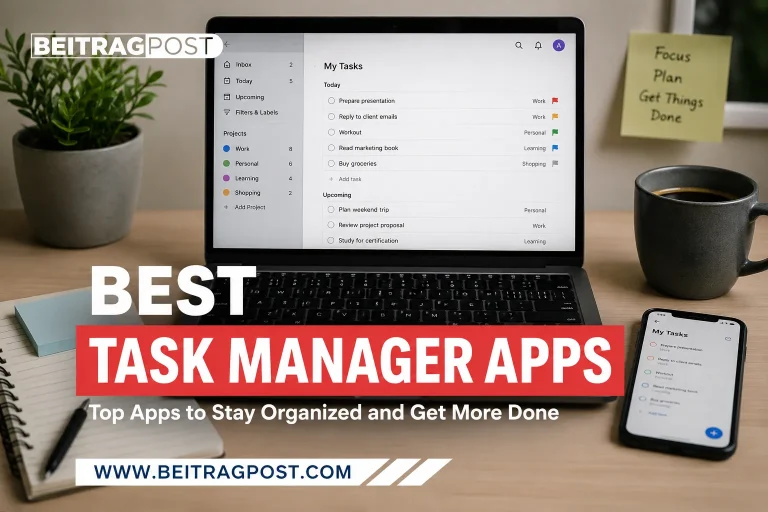
For a deeper comparison of dedicated task planners, see our guide to Best Task Manager Apps.
Microsoft OneNote
Best for free-form digital notebooks
Some people think visually instead of linearly.
OneNote accommodates that style by allowing users to place text, drawings, images, handwriting, and files anywhere on the page.
Instead of rigid documents, every notebook feels like a digital whiteboard.
Researchers, teachers, and students often appreciate this flexibility when collecting information from multiple sources.
Standout features
OneNote includes:
- Handwriting support
- Audio recording
- PDF annotation
- Section organization
- Cloud synchronization
- Powerful search
Microsoft 365 users also benefit from seamless integration with Word, Outlook, and Teams.
Trello Best Productivity Apps
Best for visual workflows
Trello popularized the Kanban board for everyday project management.
Projects become boards.
Tasks become cards.
Cards move across columns as work progresses.
The concept is simple enough for beginners while remaining useful for experienced teams.
Ideal use cases
Trello works especially well for:
- Editorial calendars
- Marketing campaigns
- Event planning
- Product launches
- Personal projects
- Recruitment pipelines
Power-Ups extend functionality with calendars, reporting, automation, and third-party integrations when needed.
ClickUp Best Productivity Apps

Best for growing businesses
ClickUp attempts to replace multiple productivity tools with one centralized platform.
Instead of switching between task management, documentation, time tracking, goals, and reporting software, everything exists inside one workspace.
That approach makes ClickUp attractive for organizations managing multiple departments.
Strengths
ClickUp includes:
- Tasks
- Documents
- Whiteboards
- Dashboards
- Goal tracking
- Time tracking
- Automations
- Multiple project views
Its flexibility suits larger teams, although individuals may find the interface more feature-rich than necessary.
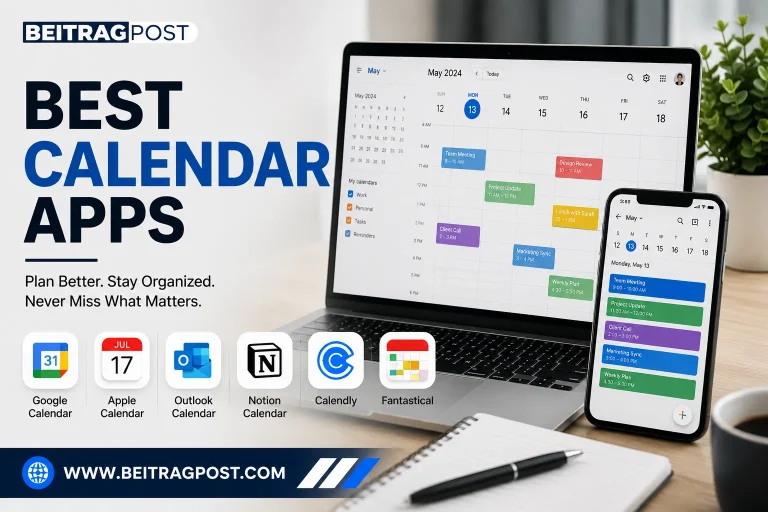
Google Calendar Best Productivity Apps

Best for organizing your schedule
Many productivity problems start with poor scheduling rather than poor planning.
Google Calendar helps users visualize their commitments before accepting new work.
Color-coded calendars separate meetings, personal appointments, deadlines, and recurring activities.
The result is a clearer understanding of available time.
Helpful features
Scheduling becomes easier thanks to:
- Shared calendars
- Multiple reminders
- Time-zone support
- Appointment booking
- Gmail integration
- Automatic event detection
When combined with disciplined time blocking, Google Calendar becomes more than a calendar it becomes a planning system.
Slack Best Productivity Apps
Best for workplace communication
Email remains useful for formal conversations, but it often slows daily collaboration.
Slack organizes communication into dedicated channels, making discussions easier to follow.
Instead of searching through lengthy email threads, conversations stay grouped by project or department.
Why teams prefer Slack
Slack reduces unnecessary meetings by supporting:
- Instant messaging
- Voice calls
- Video meetings
- File sharing
- Workflow automation
- App integrations
Used thoughtfully, it keeps information flowing without overwhelming employees.
However, constant notifications can become distracting, so customizing notification settings is essential.
Obsidian Best Productivity Apps

Best for building a personal knowledge base
Most note-taking apps store information.
Obsidian helps you connect it.
Instead of organizing everything into folders, Obsidian links ideas together using internal connections. Over time, those links form a network of knowledge that becomes easier to search, revisit, and expand.
Writers, researchers, software developers, and lifelong learners often appreciate this approach because it encourages deeper thinking rather than simply collecting notes.
Why Obsidian stands out
The app stores your notes as plain Markdown files on your device. That means you’re never locked into a proprietary format, and your files remain accessible even if you stop using the app.
Other notable features include:
- Bidirectional linking
- Graph view for visualizing connections
- Daily notes
- Powerful search
- Extensive plugin library
- Offline-first design
The plugin ecosystem allows users to customize nearly every aspect of the experience, from calendars and Kanban boards to flashcards and habit trackers.
Things to keep in mind
Obsidian offers tremendous flexibility, but it isn’t designed for everyone. If you simply want to jot down quick notes without organizing them further, a simpler app may feel more intuitive.
Those willing to invest a little time learning the system often find it becomes one of their most valuable productivity tools.
Evernote

Best for organizing large collections of information
Evernote has been a trusted productivity app for years because it excels at capturing information from almost anywhere.
Instead of worrying about where to save documents, web pages, receipts, or meeting notes, users can quickly collect everything into searchable notebooks.
This makes Evernote particularly useful for professionals who manage large volumes of reference material.
Features that improve organization
Evernote combines several useful capabilities in one platform:
- Web clipping
- OCR search for scanned documents
- Document attachments
- Task management
- Calendar integration
- Cross-device synchronization
The powerful search function deserves special mention. Even text inside uploaded PDFs and scanned images can often be located in seconds.
Who should choose Evernote?
Evernote works best for users who treat it as a digital filing cabinet.
If your workflow involves saving research, invoices, manuals, contracts, or project references, Evernote helps keep everything organized without becoming difficult to navigate.
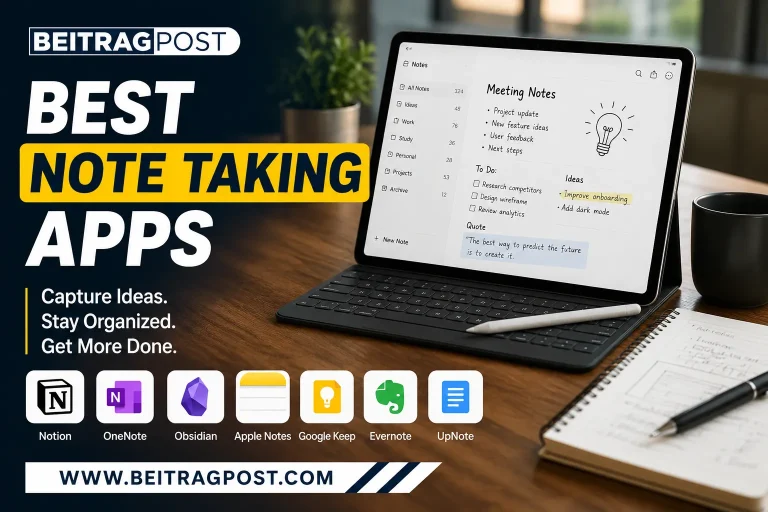
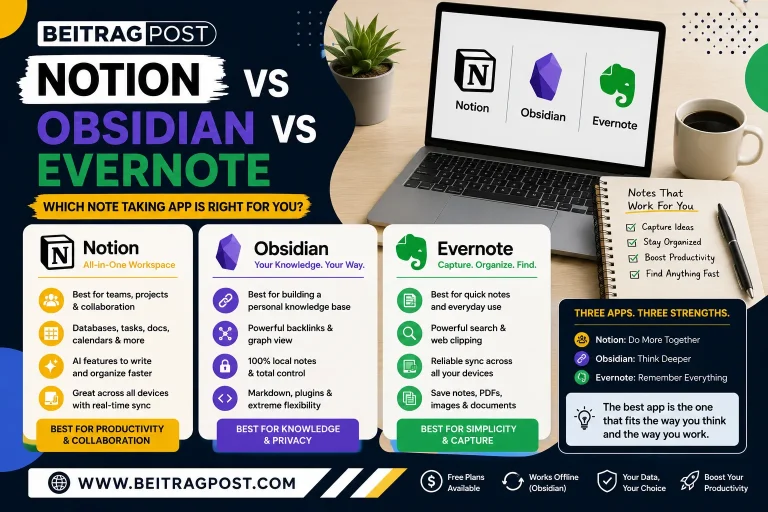
For readers exploring dedicated note solutions, our guide to Best Note Taking Apps compares additional options based on different work styles and learning preferences.
Zapier Best Productivity Apps

Best for automating repetitive work
One of the biggest productivity improvements doesn’t come from working faster.
It comes from avoiding repetitive work altogether.
Zapier connects thousands of applications so routine tasks happen automatically in the background.
Instead of manually copying information between services, you create automated workflows called “Zaps.”
Everyday automation examples
A few practical examples include:
- Save Gmail attachments directly to Google Drive.
- Add website leads to your CRM automatically.
- Send Slack notifications when new forms are submitted.
- Create calendar events from booking confirmations.
- Backup completed tasks into spreadsheets.
Individually, these automations save only a few minutes.
Across weeks and months, those small time savings become substantial.
Is Zapier worth it?
For freelancers, agencies, and businesses using multiple cloud applications, absolutely.
Even a handful of automations can eliminate repetitive administrative work and reduce human error.
Grammarly
Best for improving writing quality
Writing is part of nearly every modern job.
Whether you’re replying to emails, preparing reports, publishing articles, or communicating with clients, clear writing saves time and reduces misunderstandings.
Grammarly acts as a writing assistant that checks grammar, spelling, punctuation, clarity, and tone while you work.
Why professionals rely on it
Beyond correcting mistakes, Grammarly helps improve readability by highlighting:
- Wordy sentences
- Repeated words
- Unclear phrasing
- Passive voice
- Inconsistent tone
Because suggestions appear in real time, many users gradually become stronger writers instead of simply fixing errors after the fact.
Google Drive Best Productivity Apps
Best for cloud storage and collaboration
Keeping files accessible across multiple devices has become essential for modern work.
Google Drive provides secure cloud storage while making collaboration remarkably simple.
Instead of emailing revised versions back and forth, multiple people can edit the same document simultaneously.
Collaboration made easy
Google Drive integrates naturally with:
- Google Docs
- Google Sheets
- Google Slides
- Google Forms
- Google Meet
Version history also makes it easy to recover previous edits, reducing the risk of accidental mistakes.
For individuals and teams already using Google’s ecosystem, Drive becomes the central hub for everyday work.
Forest
Best for improving focus
Many productivity apps help organize work.
Forest helps you actually do it.
The app uses a simple concept: when you start a focus session, a virtual tree begins growing.
If you leave the app to check social media or browse unrelated websites, the tree dies.
While the idea sounds playful, it creates enough accountability to reduce unnecessary phone use during focused work sessions.
Who benefits most?
Forest is especially useful for:
- Students preparing for exams
- Writers
- Remote workers
- Freelancers
- Anyone struggling with phone distractions
Its Pomodoro-friendly timer encourages consistent periods of focused work followed by short breaks.
Rather than relying on willpower alone, Forest introduces a small but surprisingly effective behavioral incentive.
How to Choose the Best Productivity Apps
There isn’t a single app that’s perfect for everyone.
Instead, think about the biggest obstacle slowing you down each day.
If you frequently forget deadlines, prioritize a task manager.
And If information is scattered across notebooks and documents, choose a stronger note-taking system.
If repetitive administrative work consumes your schedule, automation software may provide the greatest return on investment.
Many people achieve the best results by combining a few complementary tools instead of relying on one application to do everything.
A balanced setup might look like this:
- Todoist for daily tasks
- Notion for projects and documentation
- Google Calendar for scheduling
- Google Drive for file storage
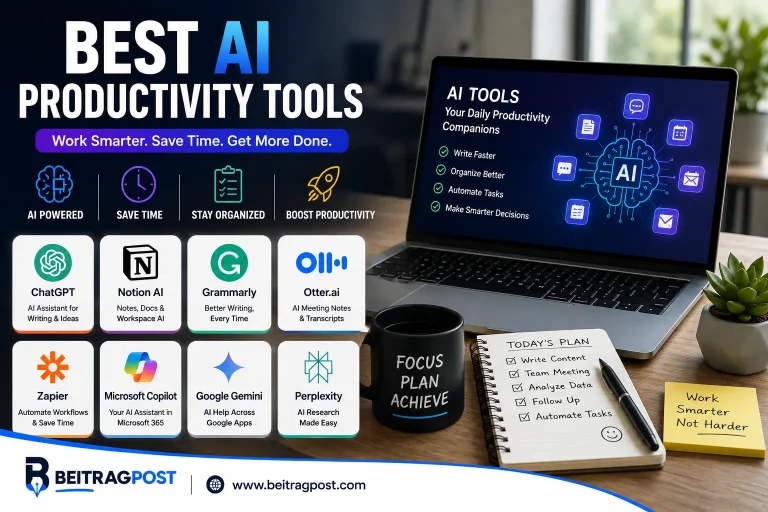
- Zapier for automation
- Grammarly for writing
Each app addresses a different productivity challenge without creating unnecessary overlap.
Common Mistakes That Reduce Productivity
Even the best software can’t compensate for poor habits.
Avoid these common mistakes when building your workflow:
- Installing too many apps that perform the same function
- Constantly switching between productivity systems
- Ignoring notification settings
- Spending more time organizing than completing work
- Chasing new tools instead of improving existing processes
Remember that consistency matters more than having the newest features.
The most effective productivity system is the one you’ll continue using months from now.
Frequently Asked Questions
What is the best productivity app overall?
There isn’t a universal winner because productivity depends on your workflow. If you want an all-in-one workspace, Notion is a strong choice. If managing daily tasks is your biggest challenge, Todoist is often the better fit. For automation, Zapier can save the most time by handling repetitive work behind the scenes.
Which productivity app is best for students?
Students usually benefit from a combination of apps rather than relying on a single solution.
A practical setup includes:
- Notion for organizing coursework and projects
- OneNote for lecture notes and handwritten content
- Google Calendar for assignment deadlines
- Forest for distraction-free study sessions
This combination covers planning, note-taking, scheduling, and focus without becoming overly complicated.
Are free productivity apps good enough?
For most individuals, yes.
Many leading productivity apps offer generous free plans that include the features needed for everyday work. Paid plans are typically worthwhile only if you need advanced collaboration, larger storage limits, detailed reporting, or premium integrations.
Starting with the free version also gives you time to decide whether an app fits your workflow before paying for additional features.
Can using too many productivity apps hurt productivity?
Absolutely.
One of the most common mistakes is creating a complicated system with overlapping apps.
For example, maintaining three separate task managers usually leads to missed deadlines rather than better organization. A simpler workflow with a few well-chosen tools is often more effective than juggling dozens of applications.
Which productivity app works best for remote teams?
Remote teams generally need software that supports communication, project management, document sharing, and scheduling.
A reliable stack often includes:
- ClickUp or Trello for project management
- Slack for team communication
- Google Drive for file collaboration
- Google Calendar for meetings and planning
Choosing tools that integrate well together helps reduce context switching throughout the workday.
Are productivity apps safe to use?
Most well-established productivity apps use encryption and industry-standard security practices to protect user data.
However, it’s still wise to:
- Enable two-factor authentication
- Use strong, unique passwords
- Review app permissions regularly
- Avoid storing highly sensitive information unless necessary
Checking each provider’s privacy policy before uploading confidential documents is also a good habit.
Final Verdict Best Productivity Apps
The best productivity apps don’t simply help you work faster they help you work smarter.
Instead of downloading every popular tool, identify the biggest bottleneck in your daily routine and choose software designed to solve that specific problem.
If you need an all-purpose workspace, Notion offers exceptional flexibility. If staying on top of daily responsibilities is your priority, Todoist remains one of the easiest task managers to adopt. Teams managing complex projects will appreciate ClickUp or Trello, while Zapier stands out for anyone looking to automate repetitive workflows.
The most productive people rarely use the most apps. They use the right apps consistently.
Start with one or two tools, build habits around them, and expand your workflow only when you identify a genuine need. A streamlined productivity system is far easier to maintain and far more effective over the long term.